
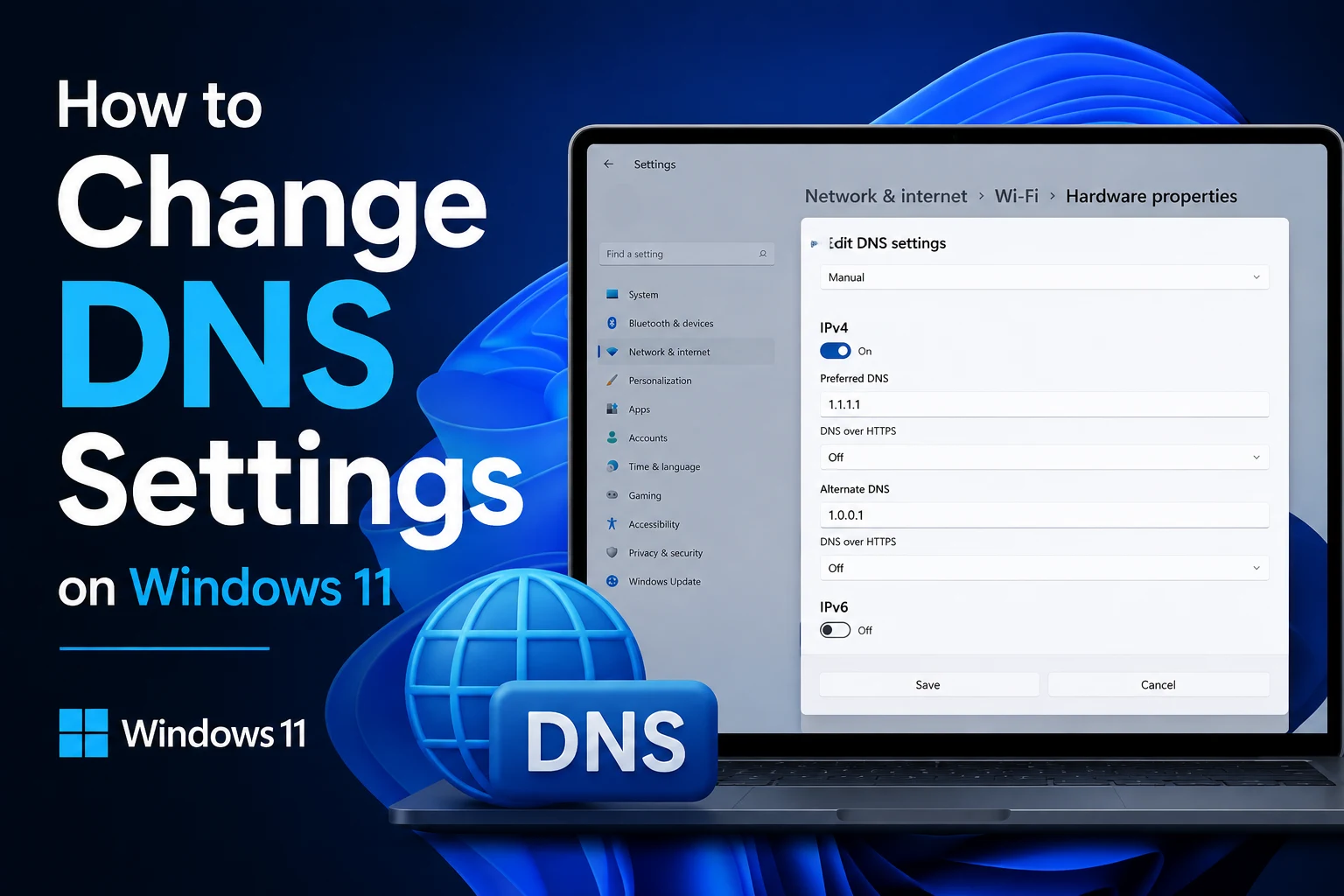
How to Change DNS Settings on Windows 11

If websites take longer to load than they should, certain sites won’t load at all, or you’ve heard that switching your DNS can speed things up and add a bit of privacy, changing your DNS settings on Windows 11 is a lot simpler than it sounds.…

How to Stop Chrome from Using Too Much RAM
If you’ve ever opened Task Manager just to see Chrome sitting there with a dozen separate processes eating up several gigabytes of RAM, you already know the frustration. Chrome has a well earned reputation for being a memory hog, and it’s not…

How to Fix Blurry Text in Windows 11
If text on your screen looks slightly fuzzy, stretched, or just off in a way you can’t quite put your finger on, you’re not imagining it, and you’re definitely not alone. This is one of the most common complaints people have after…

How to Clear Clipboard History in Windows 11
If you’ve ever hit Windows key + V and been mildly horrified by everything sitting in your clipboard history, from a password you copied months ago to random snippets of text you forgot you ever copied, you’re not alone. Windows 11’s…
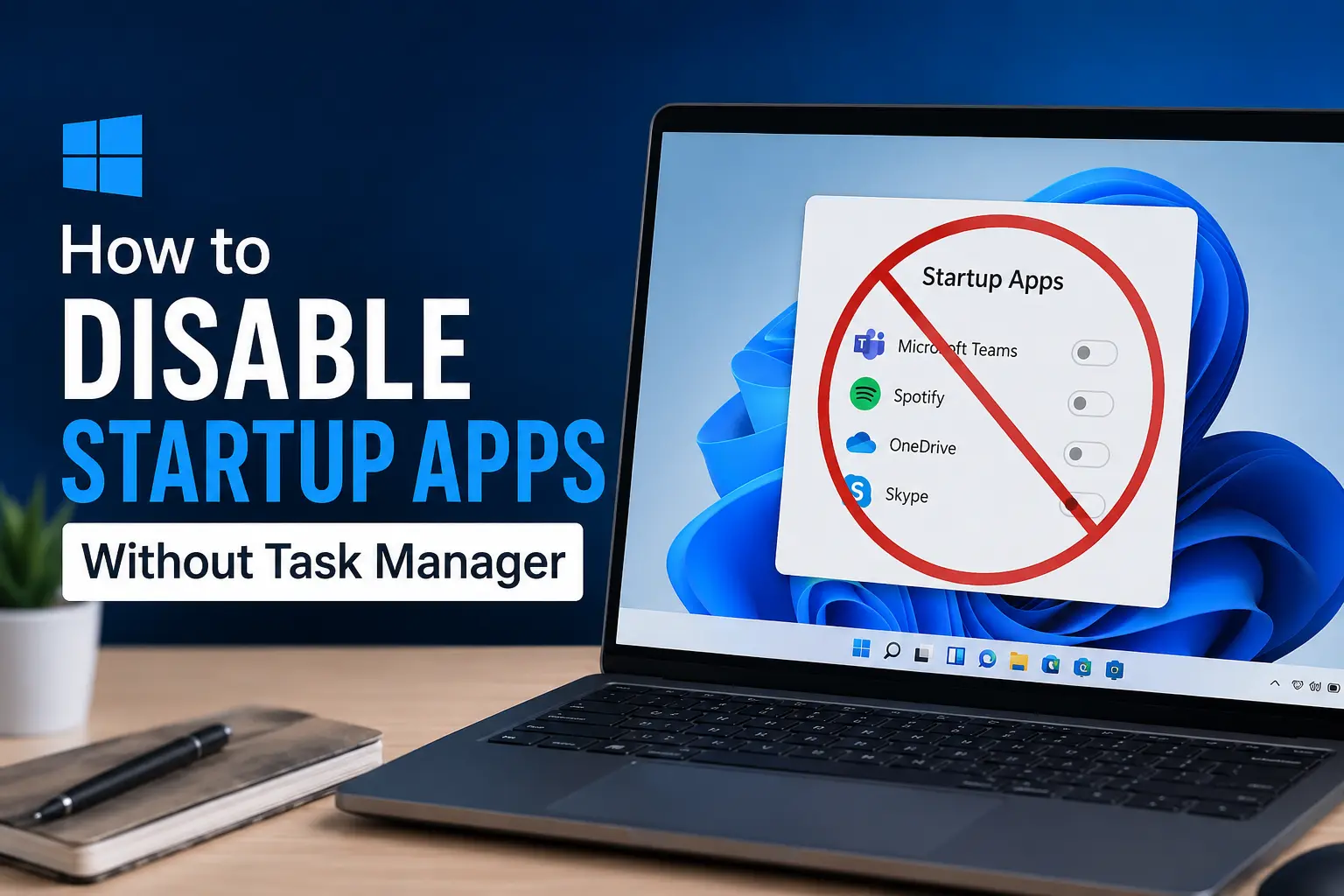
How to Disable Startup Apps Without Task Manager
Most people know Task Manager is the go to place for managing startup apps in Windows, but it’s not the only option, and honestly, it’s not always the most convenient one either. Maybe Task Manager feels like overkill for a quick change,…

How to View Saved Wi-Fi Passwords on Windows 11
Ever needed to share your Wi-Fi password with a guest, only to realize you forgot it yourself? It happens to almost everyone. Your laptop remembers the password and connects automatically every time, but the actual characters are hidden away somewhere in…