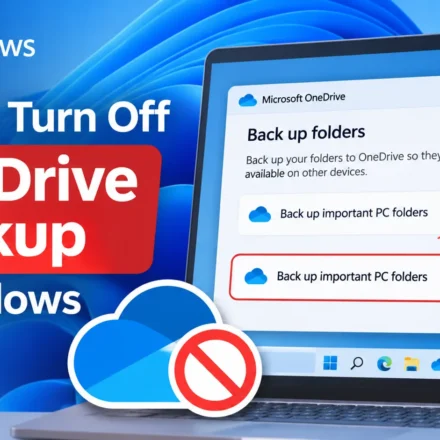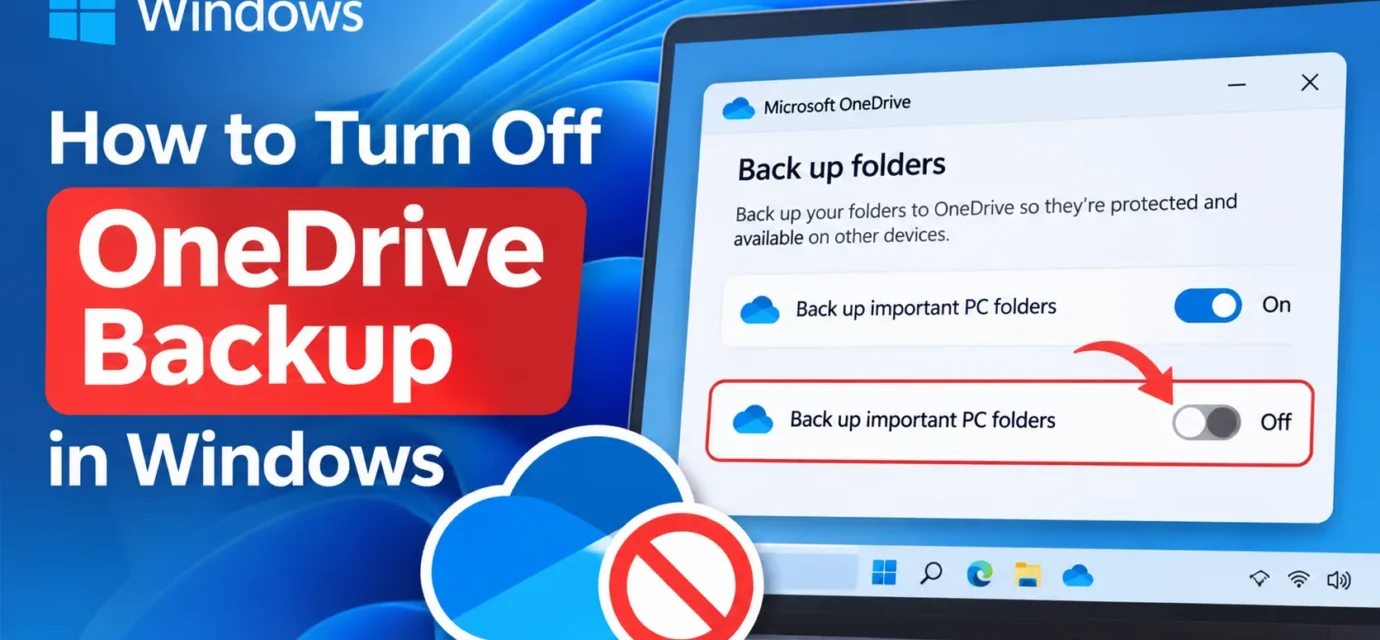





How to Turn Off OneDrive Backup in Windows
You open your Documents folder expecting a file you saved yesterday, and instead you find a little blue cloud icon and a “This file is only available online” message. If that’s ever happened to you, you’ve run into Windows’…
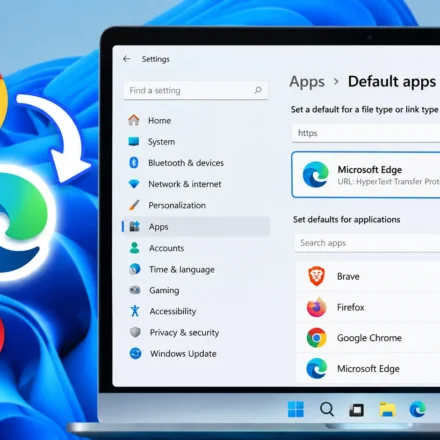
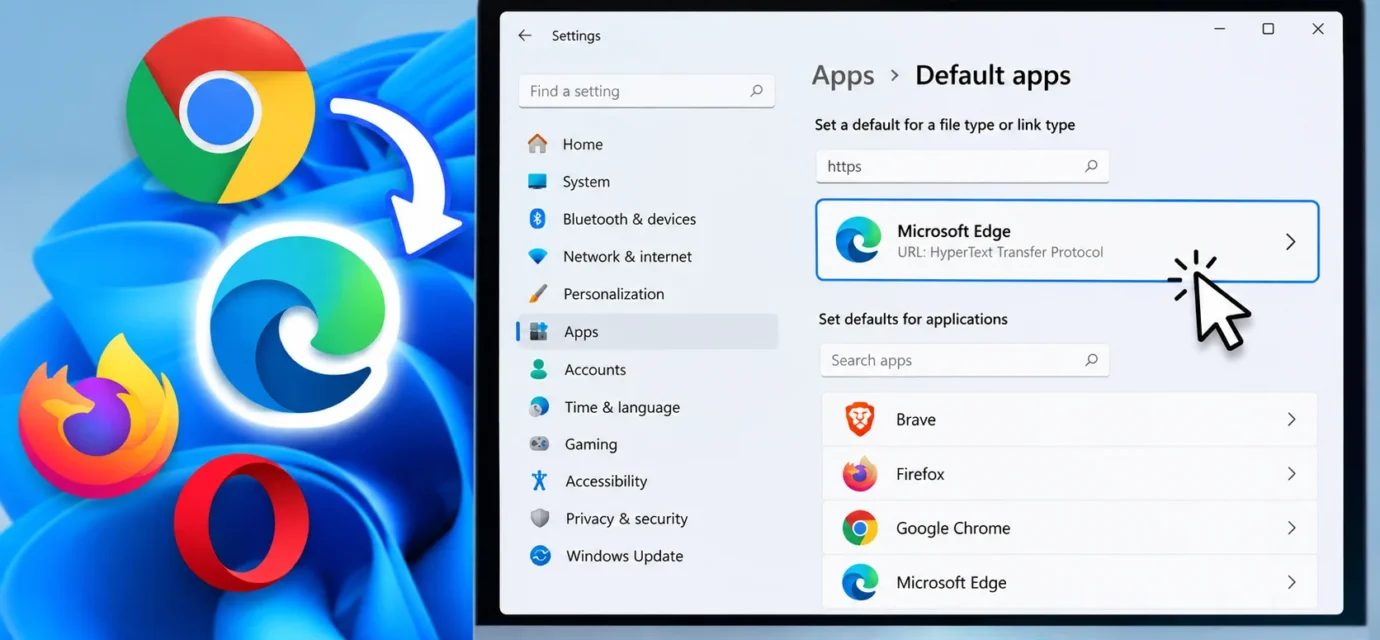
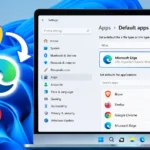
How to Change Your Default Browser in Windows 11
You install Chrome, or Firefox, or Brave and yet every link you click still opens in Edge anyway. Sound familiar? Windows 11 made this process more annoying than it used to be, splitting one simple setting across several screens instead of a single…
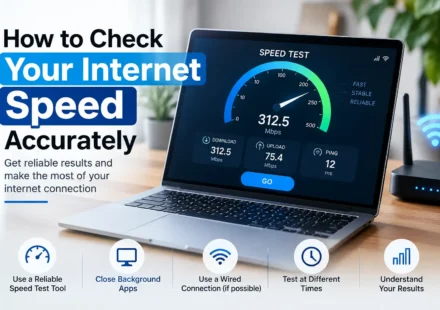
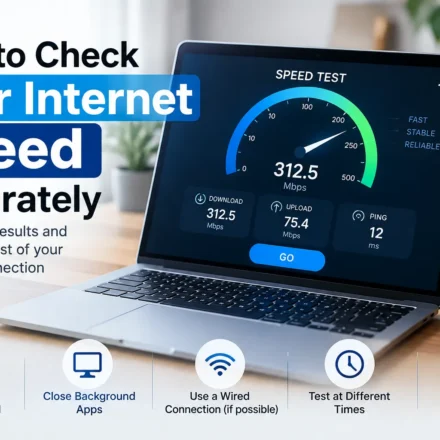
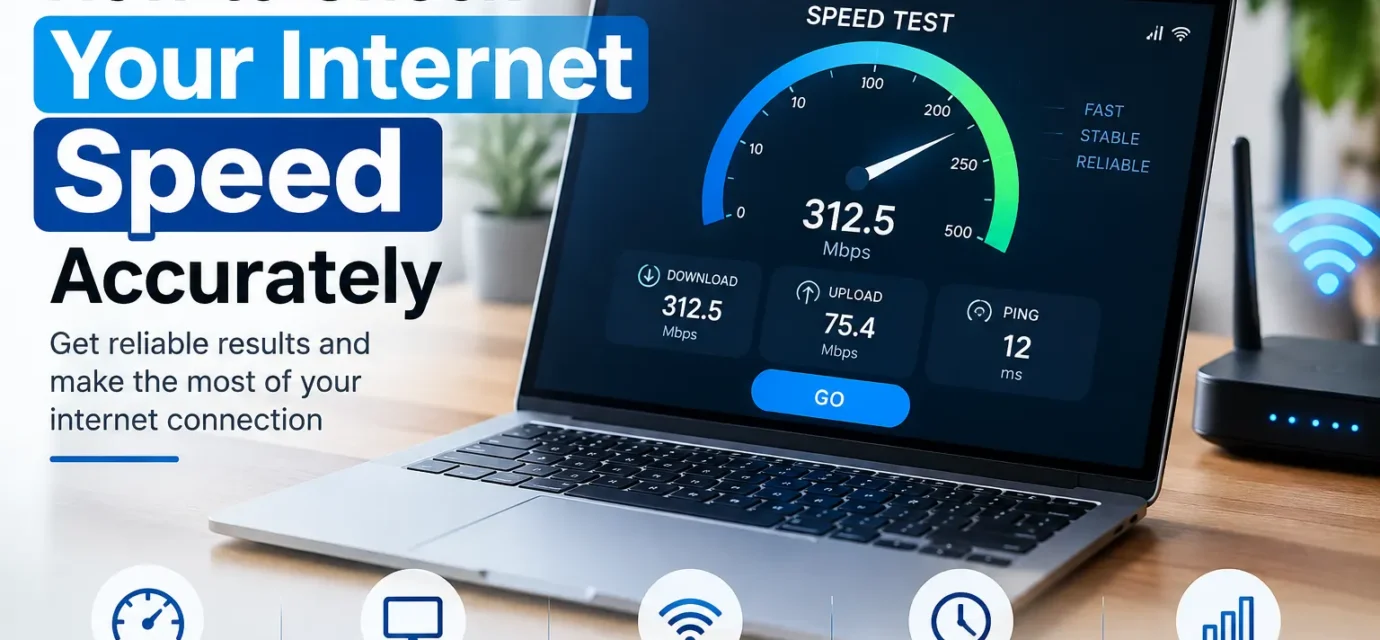
How to Check Your Internet Speed Accurately
You run a speed test, get 240 Mbps, and yet Netflix is still buffering. Sound familiar? A lot of people check their internet speed the wrong way and walk away with a number that has almost nothing to do with what they’re actually experiencing.…
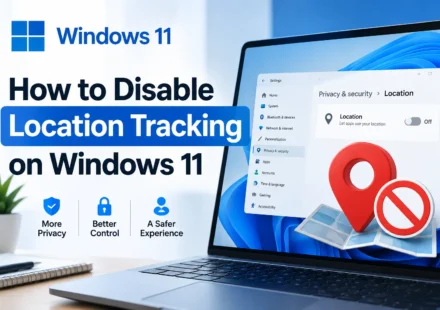
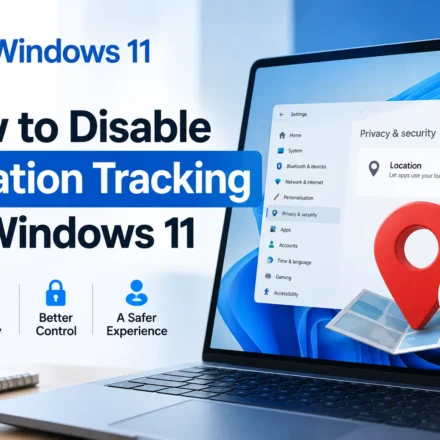
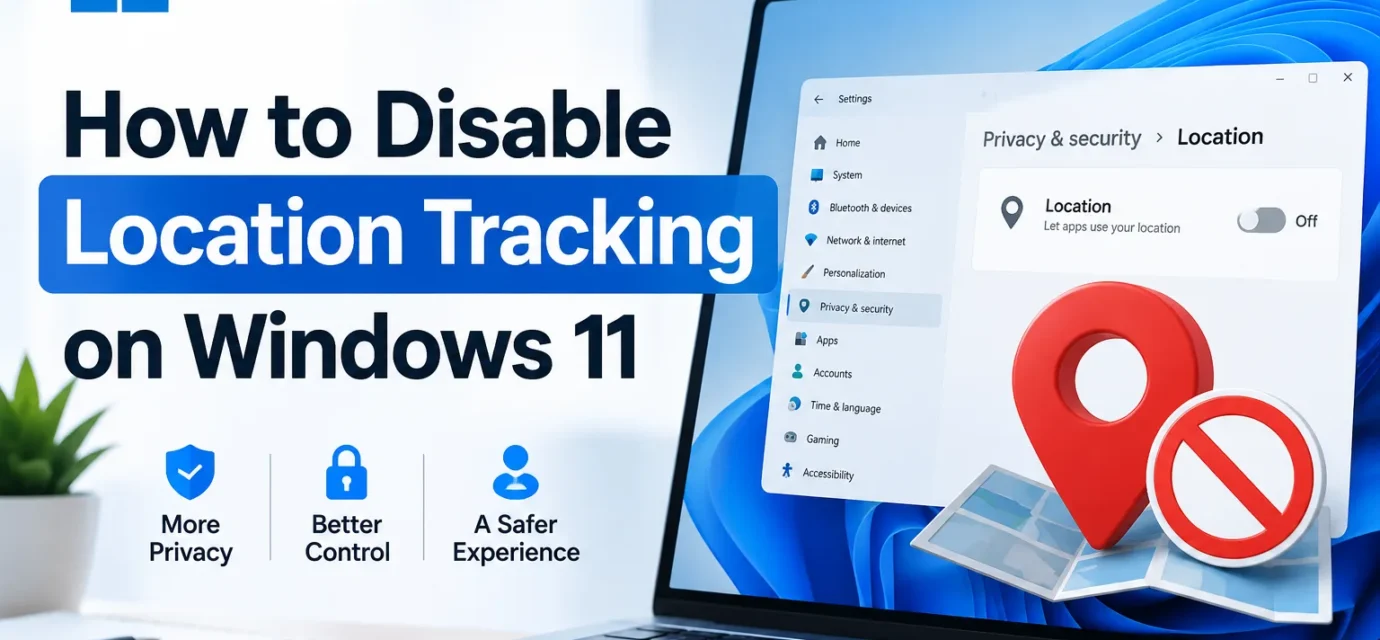
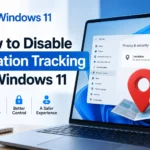
How to Disable Location Tracking on Windows 11
Windows 11 knows where you are more often than most people realize. Between the operating system itself, individual apps, and even your web browser, there are several separate layers of location tracking running at once and turning off just one of them…
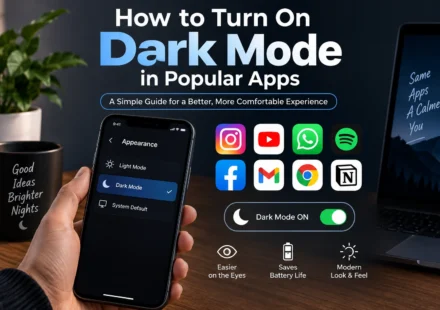
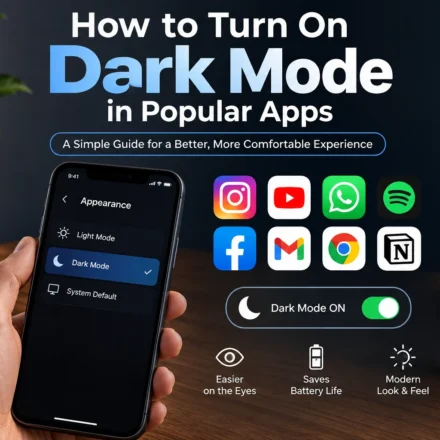
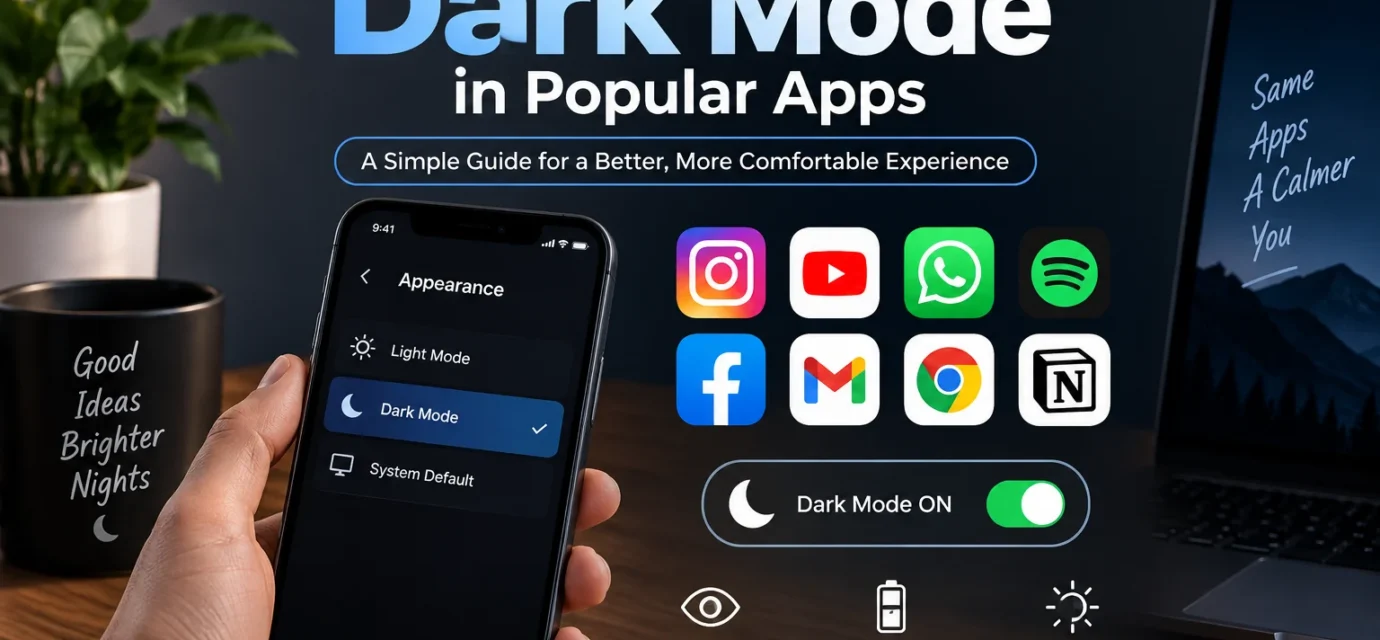
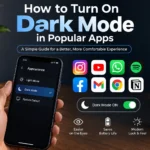
How to Turn On Dark Mode in Popular Apps
If your eyes have ever felt like they were staring into a flashlight at 11 PM while scrolling through an app, you already know why dark mode exists. It’s easier on the eyes, it saves battery on OLED and AMOLED screens, and honestly, it just looks…
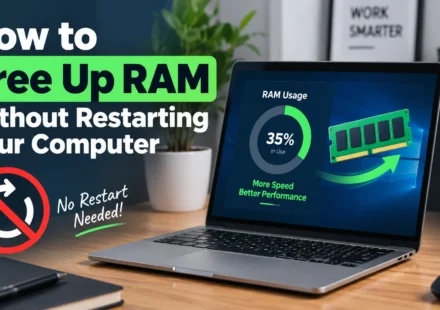
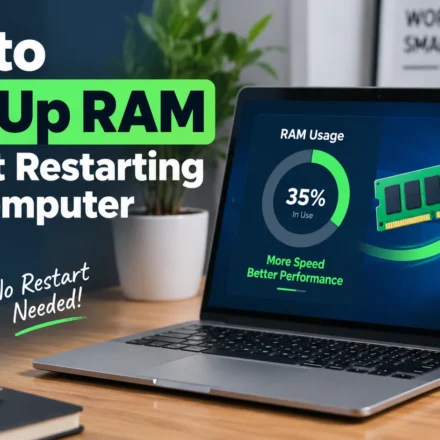
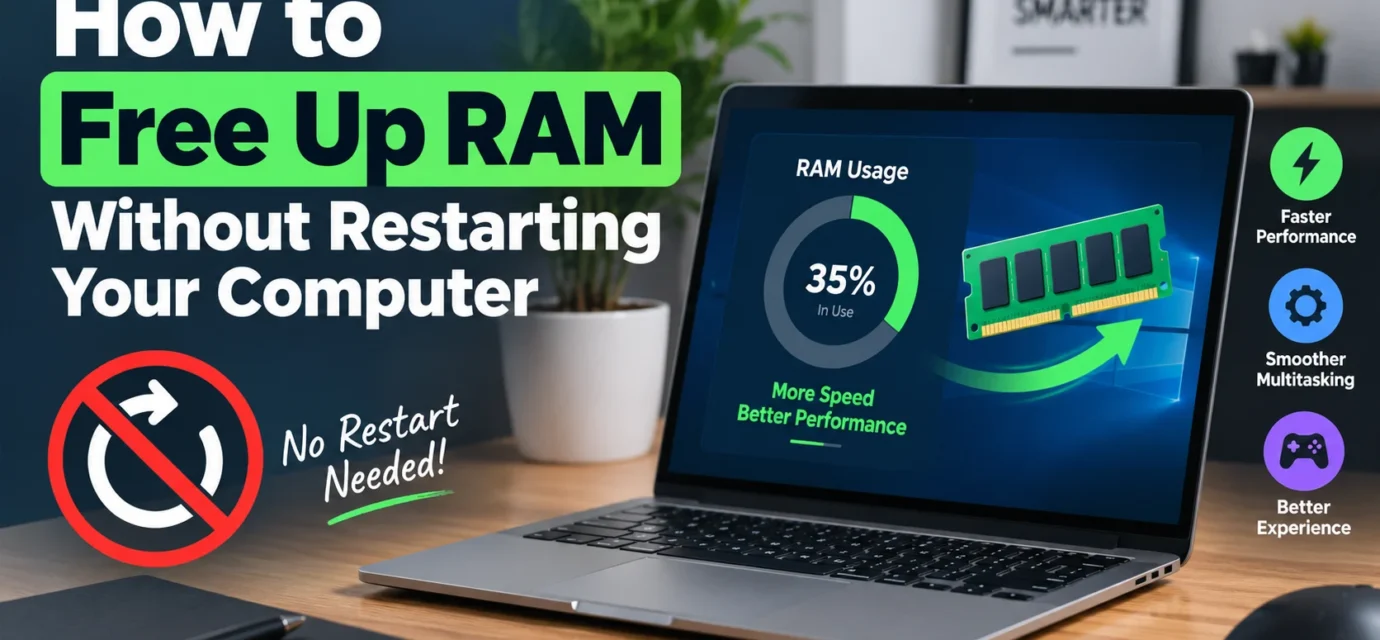
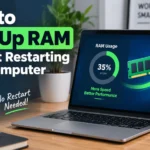
How to Free Up RAM Without Restarting Your Computer
There’s a certain kind of dread that comes with realizing your PC has slowed to a crawl right in the middle of something important, a video call, a deadline, a game you were mid match in, and the last thing you want to hear is “just restart…
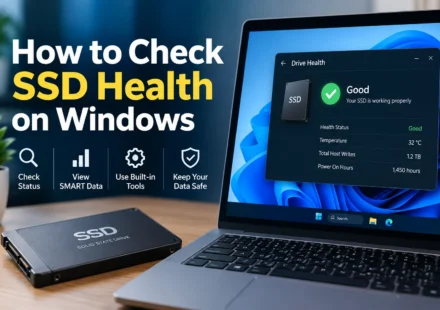
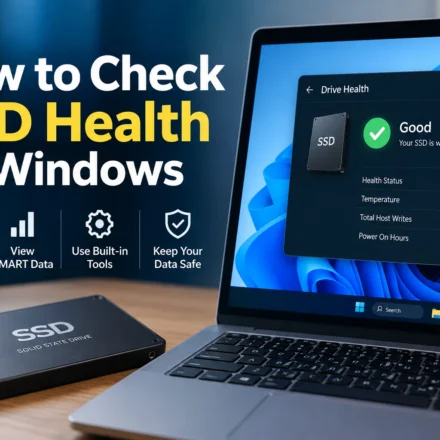
How to Check SSD Health on Windows
Unlike a traditional hard drive that tends to give you warning signs before it fails, clicking noises, slowdowns, that unsettling grinding sound, SSDs have a nasty habit of working perfectly fine right up until the moment they don’t. There’s…
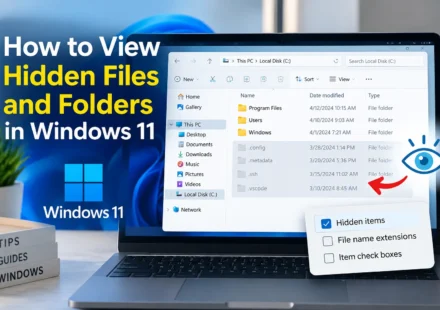
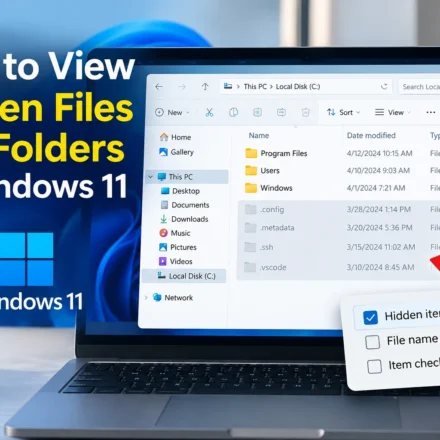
How to View Hidden Files and Folders in Windows 11
You’re digging around trying to find something, maybe a config file a program mentioned, maybe a folder a tech support article told you to check, and it’s just not there. Except it probably is. Windows hides a surprising number of files and…
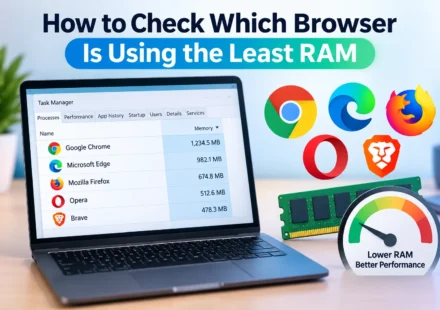
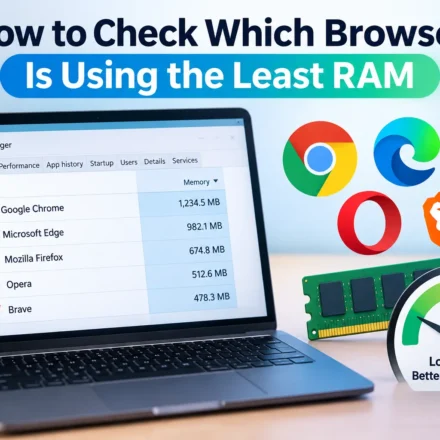
How to Check Which Browser Is Using the Least RAM
If your PC starts chugging the moment you open a browser, especially with a bunch of tabs going, it’s natural to wonder whether the browser itself is part of the problem. Different browsers really do handle memory differently, some are genuinely…
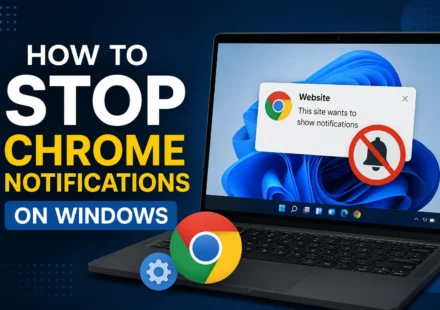
How to Stop Chrome Notifications on Windows
If you’ve ever clicked “Allow” on a website’s notification popup without really thinking about it, only to find yourself getting random alerts about “breaking news” or a sale at a site you visited once months ago,…