
How to Lock a Folder in Windows Without Third Party Software

Windows doesn’t have a simple right click “Lock This Folder” option the way you might expect, which surprises a lot of people the first time they go looking for one. That doesn’t mean you’re out of luck, though. There are a…
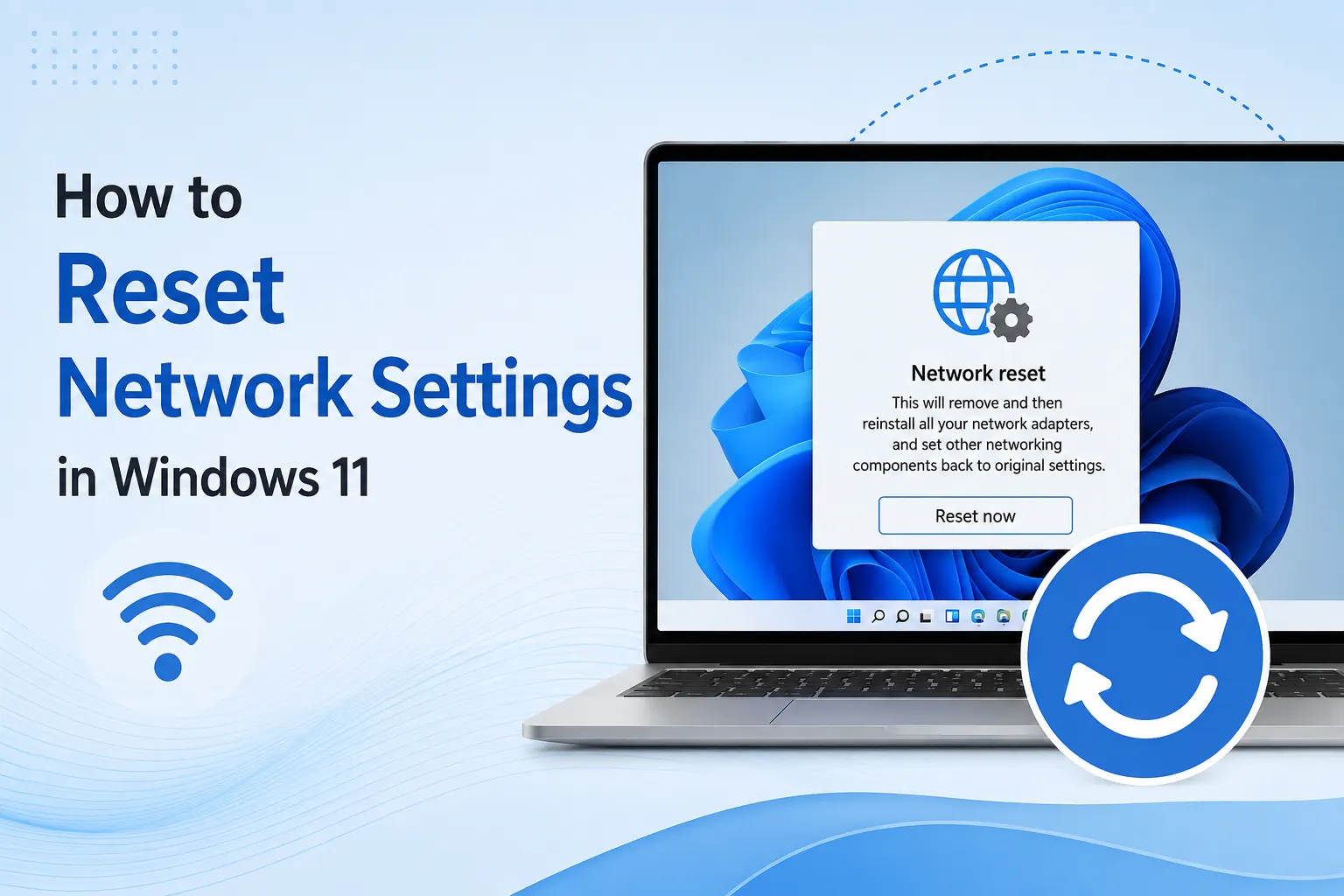
How to Reset Network Settings in Windows 11
When your internet connection has been acting up for a while, dropping randomly, refusing to connect to certain networks, or just behaving strangely in ways that don’t match any obvious cause, sometimes the most effective fix isn’t chasing…
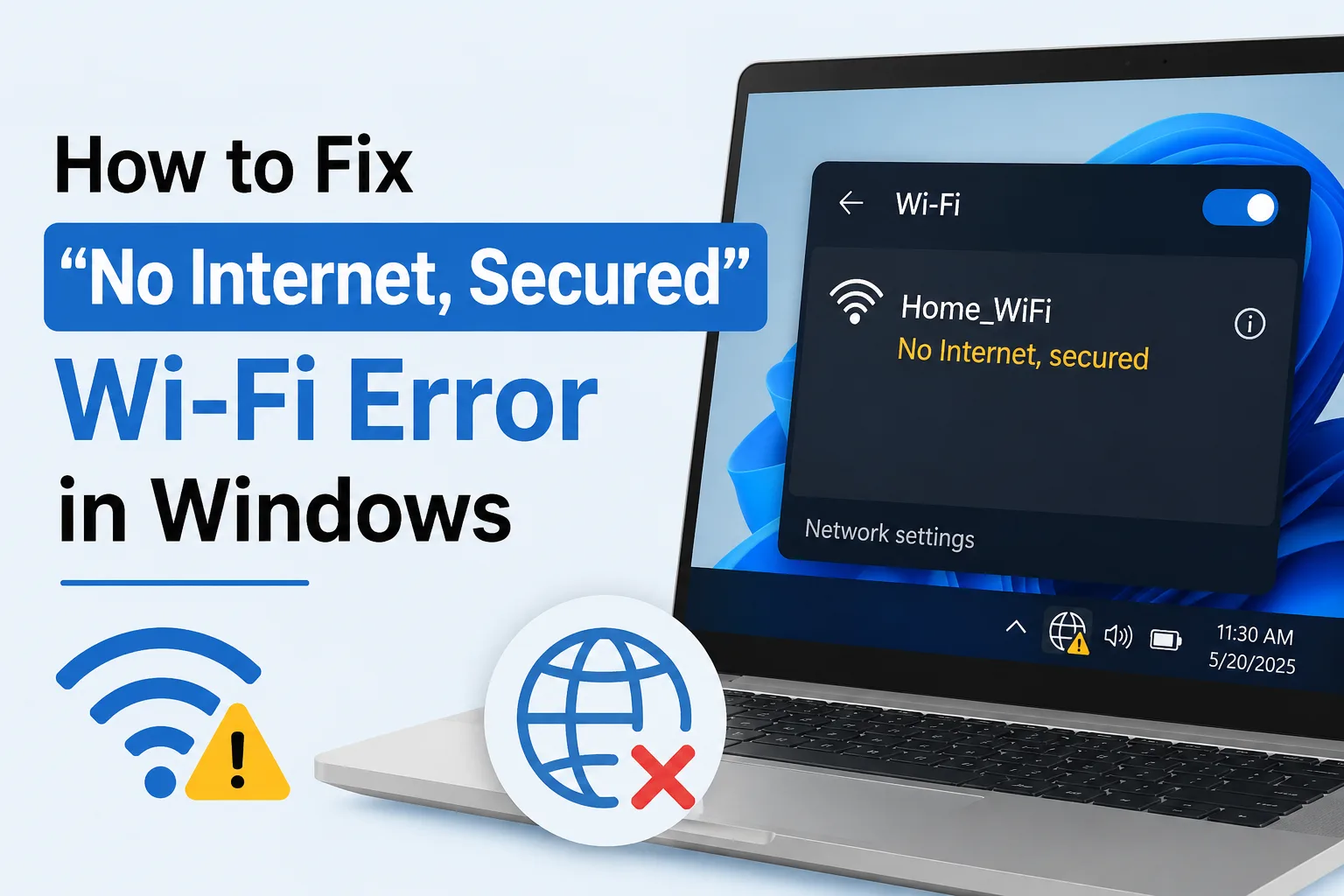
How to Fix “No Internet Secured” Wi-Fi Error in Windows
This is one of the more confusing Wi-Fi errors Windows throws at you, mainly because it doesn’t really tell you what’s wrong. Your PC shows you’re connected to Wi-Fi, the little lock icon confirms it’s a secured network, but then…
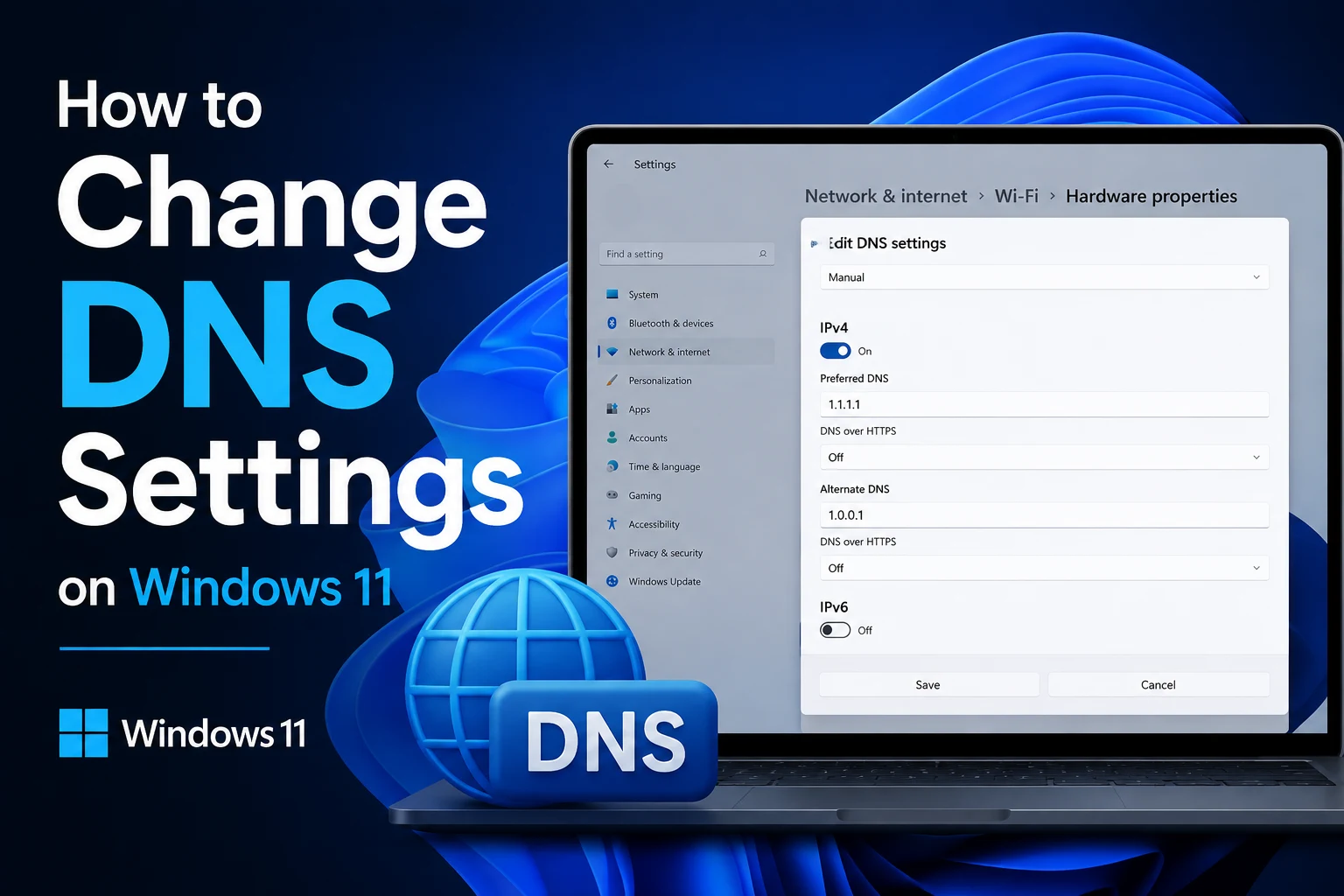
How to Change DNS Settings on Windows 11
If websites take longer to load than they should, certain sites won’t load at all, or you’ve heard that switching your DNS can speed things up and add a bit of privacy, changing your DNS settings on Windows 11 is a lot simpler than it sounds.…
How to Stop Microsoft Edge from Opening Automatically
If Microsoft Edge keeps popping up on its own, whether it’s right when you turn on your PC, after a Windows update, or randomly throughout the day, you’re dealing with one of the more common annoyances Windows users run into. It’s not…

How to Find Duplicate Files on Windows Without Paid Software
If you’ve been using the same computer for a few years, there’s a good chance you’re sitting on hundreds, maybe thousands, of duplicate files without realizing it. Photos saved in two different folders after a backup, documents…

How to Enable Clipboard History in Windows 11
If you’re used to copying something only to have it get overwritten the moment you copy something else, you’re going to like this feature. Windows 11 includes a built in clipboard history that lets you access multiple things you’ve…

How to Check Which Programs Are Slowing Down Your PC
There’s a specific kind of frustration that comes with a slow computer when you can’t actually tell what’s causing it. Everything just feels sluggish, but pointing to the exact culprit feels like guesswork. The good news is you…

How to Automatically Empty the Recycle Bin in Windows 11
Most people delete files and forget the Recycle Bin even exists until it’s somehow eating up 20GB of space they didn’t know they were losing. Since Windows never empties it on its own by default, deleted files just sit there indefinitely,…

How to Stop Chrome from Using Too Much RAM
If you’ve ever opened Task Manager just to see Chrome sitting there with a dozen separate processes eating up several gigabytes of RAM, you already know the frustration. Chrome has a well earned reputation for being a memory hog, and it’s not…