

How to Check Battery Health on Any Laptop

If your laptop battery doesn’t seem to last as long as it used to, you’re probably right, and it’s not just in your head. Laptop batteries naturally degrade over time, even with normal use, and after a year or two, most people notice…

How to Fix Blurry Text in Windows 11
If text on your screen looks slightly fuzzy, stretched, or just off in a way you can’t quite put your finger on, you’re not imagining it, and you’re definitely not alone. This is one of the most common complaints people have after…

How to Remove Metadata from Photos Before Sharing
Most people don’t realize that every photo they take carries a lot more information than what’s visible in the image itself. Buried inside the file is something called metadata, and depending on your settings, it can include the exact date…

How to Clear Clipboard History in Windows 11
If you’ve ever hit Windows key + V and been mildly horrified by everything sitting in your clipboard history, from a password you copied months ago to random snippets of text you forgot you ever copied, you’re not alone. Windows 11’s…
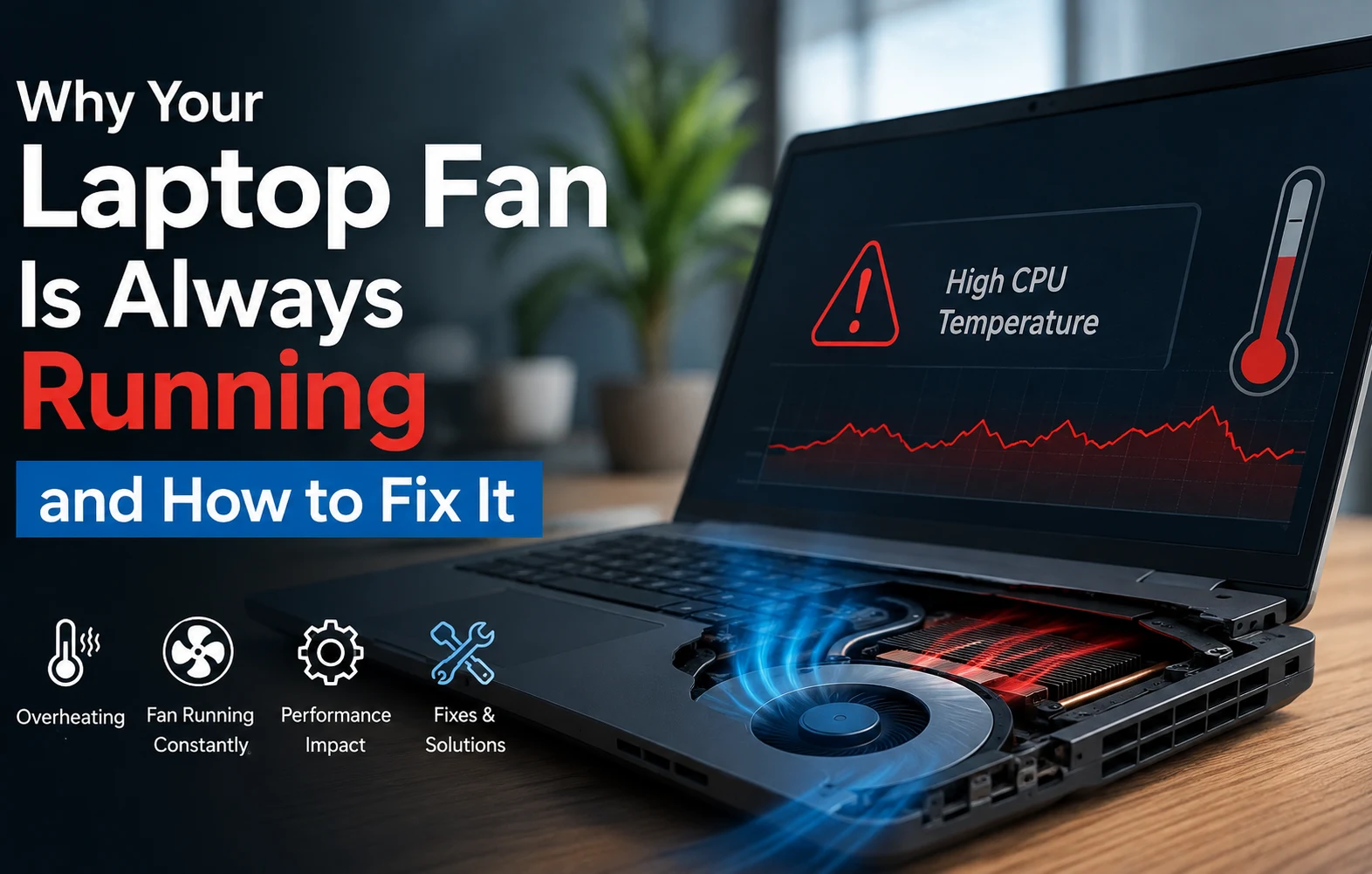
Why Your Laptop Fan Is Always Running and How to Fix It
If your laptop sounds like it’s about to take off every time you open it, even when you’re just browsing or writing an email, something’s making it work harder than it should. A loud, constantly running fan isn’t just annoying,…
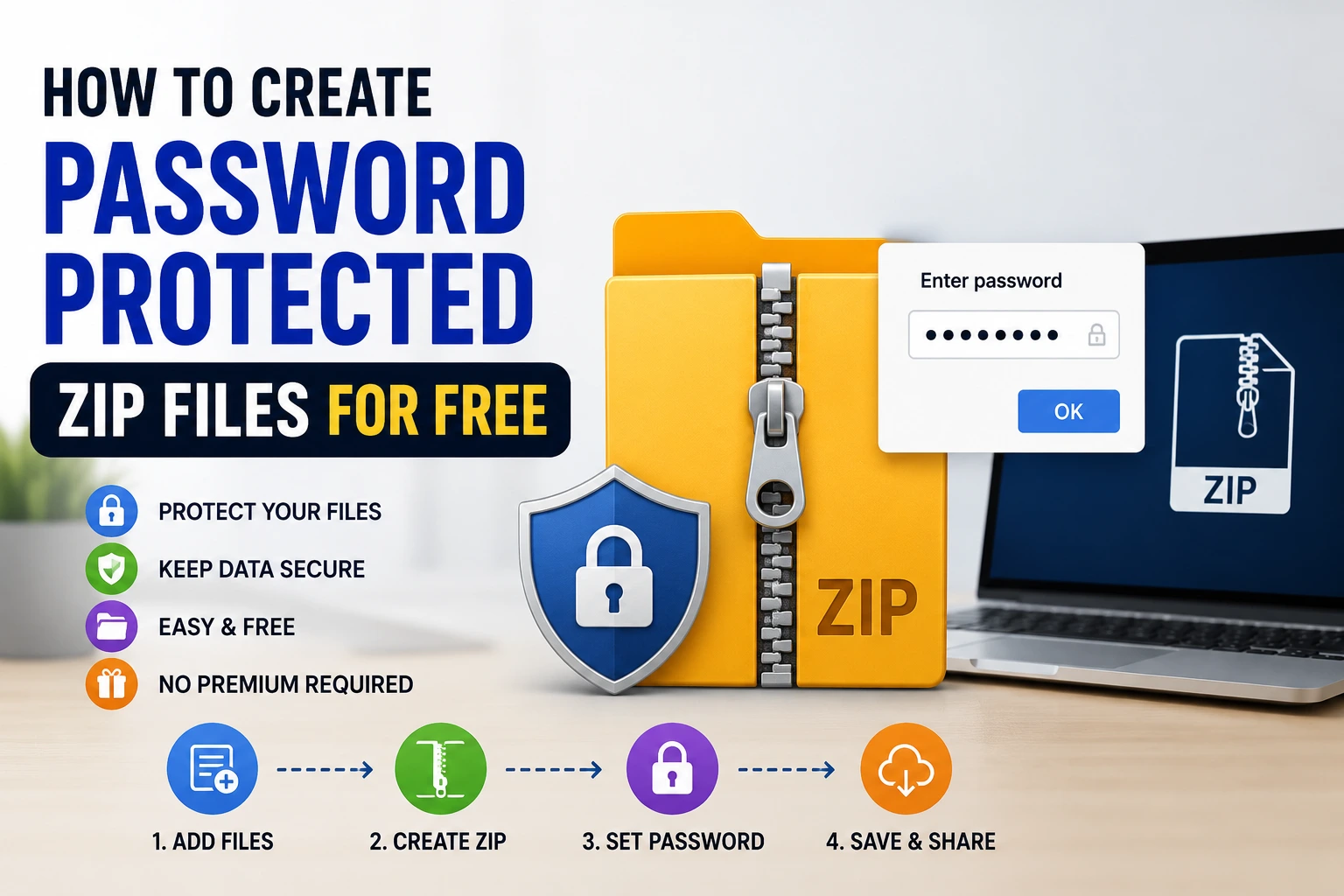
How to Create Password Protected ZIP Files for Free
Whether you’re sending tax documents to your accountant, sharing sensitive work files, or just backing up something you’d rather keep private, putting a password on a ZIP file is one of the simplest ways to add a layer of protection before…
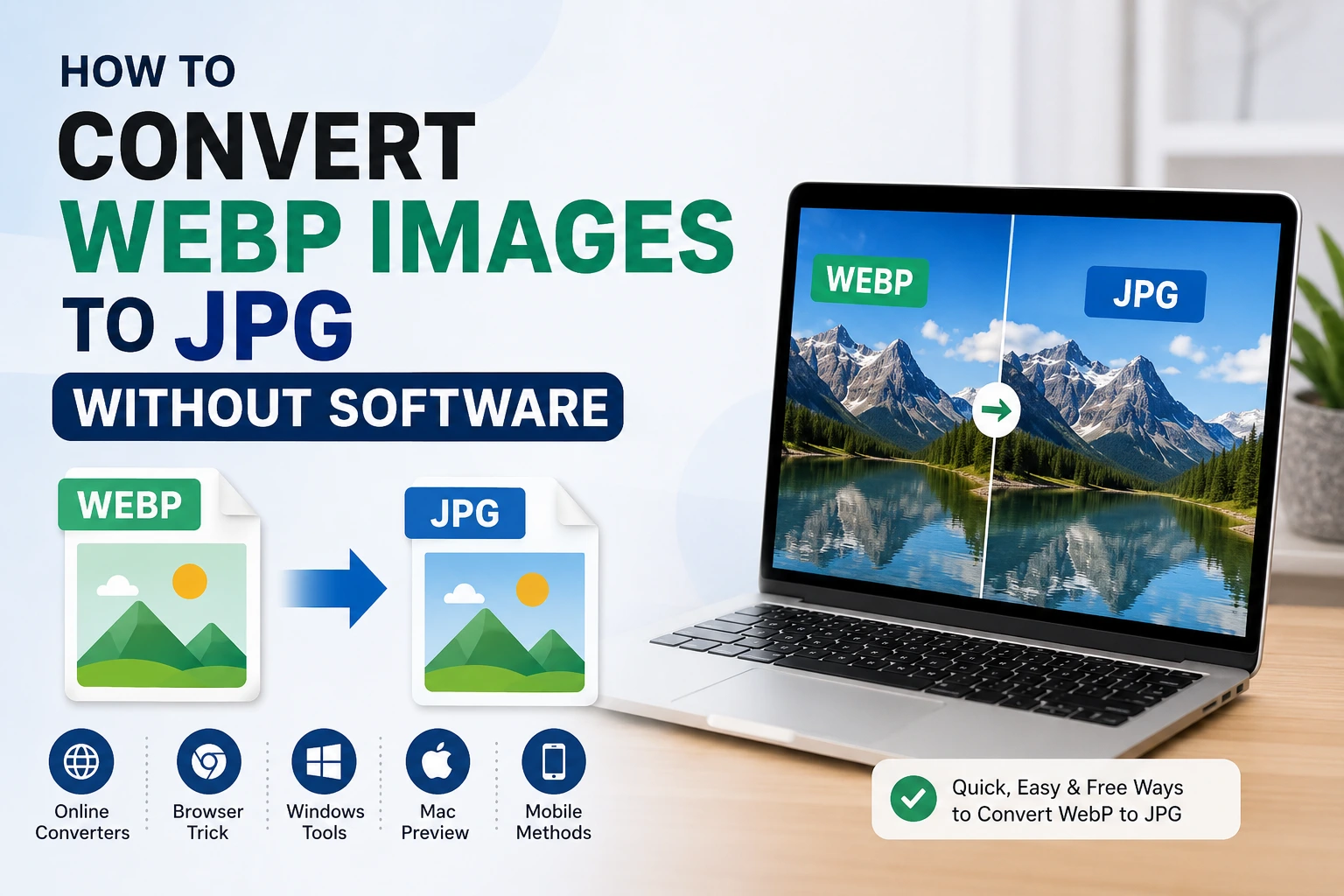
How to Convert WebP Images to JPG Without Software
If you’ve ever tried to save an image from a website and ended up with a file ending in .webp instead of .jpg, you already know the headache that follows. WebP is a great format for websites since it loads faster and takes up less space, but a lot…
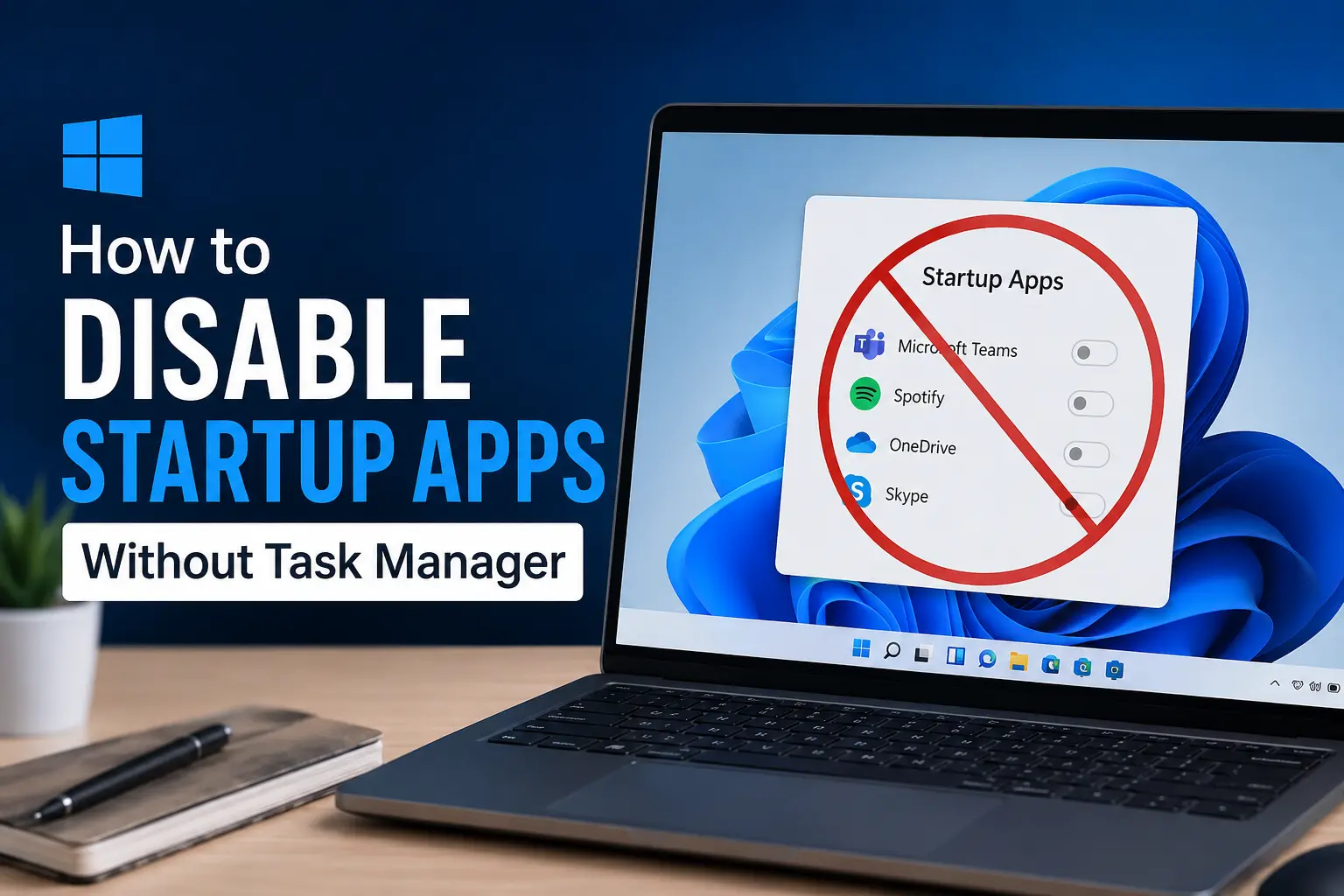
How to Disable Startup Apps Without Task Manager
Most people know Task Manager is the go to place for managing startup apps in Windows, but it’s not the only option, and honestly, it’s not always the most convenient one either. Maybe Task Manager feels like overkill for a quick change,…
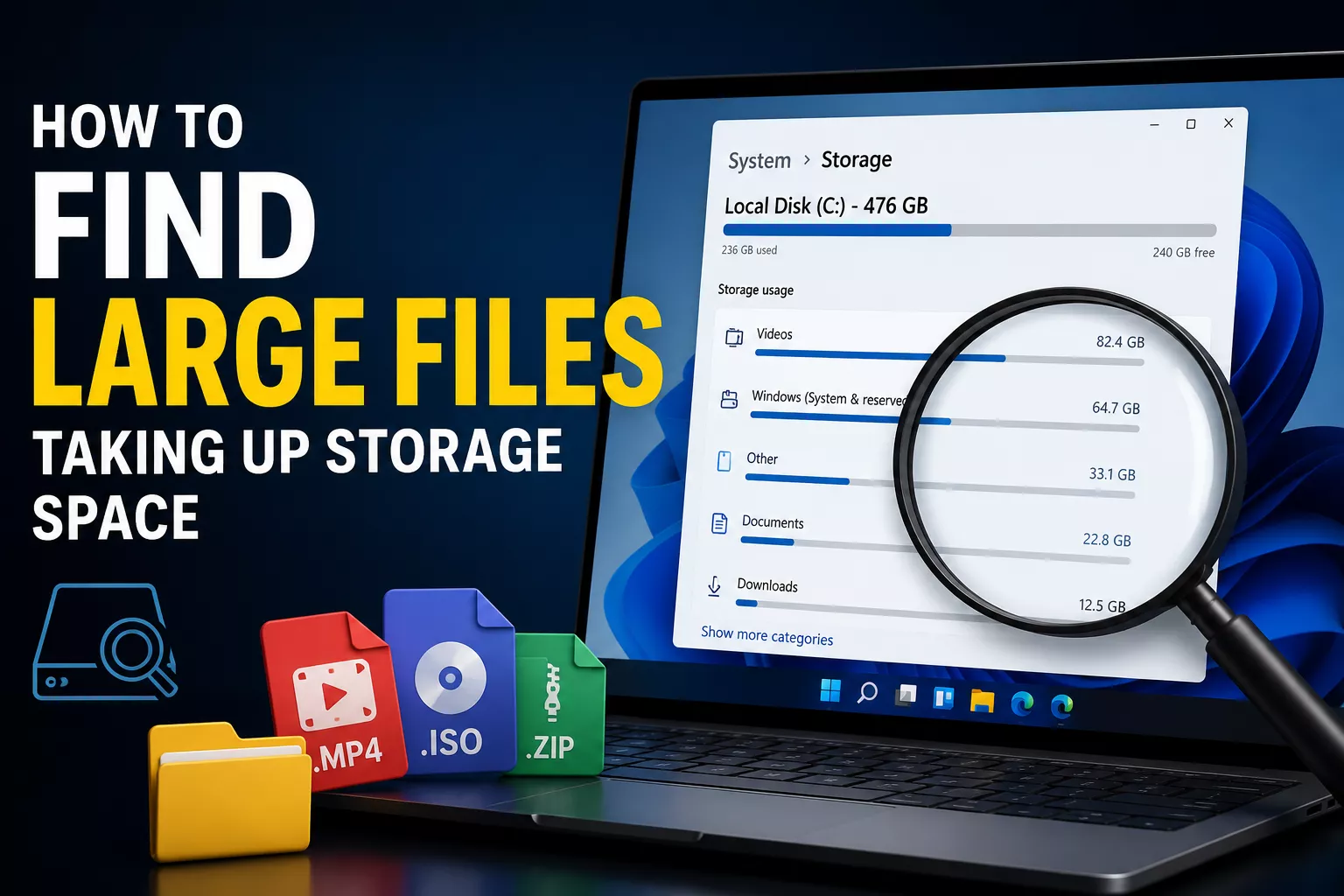
How to Find Large Files Taking Up Storage Space
You know the feeling, you get a “storage almost full” warning, delete a few obvious things, and somehow you’re still out of space a week later. That’s usually because the real space hogs aren’t your Downloads folder or old…
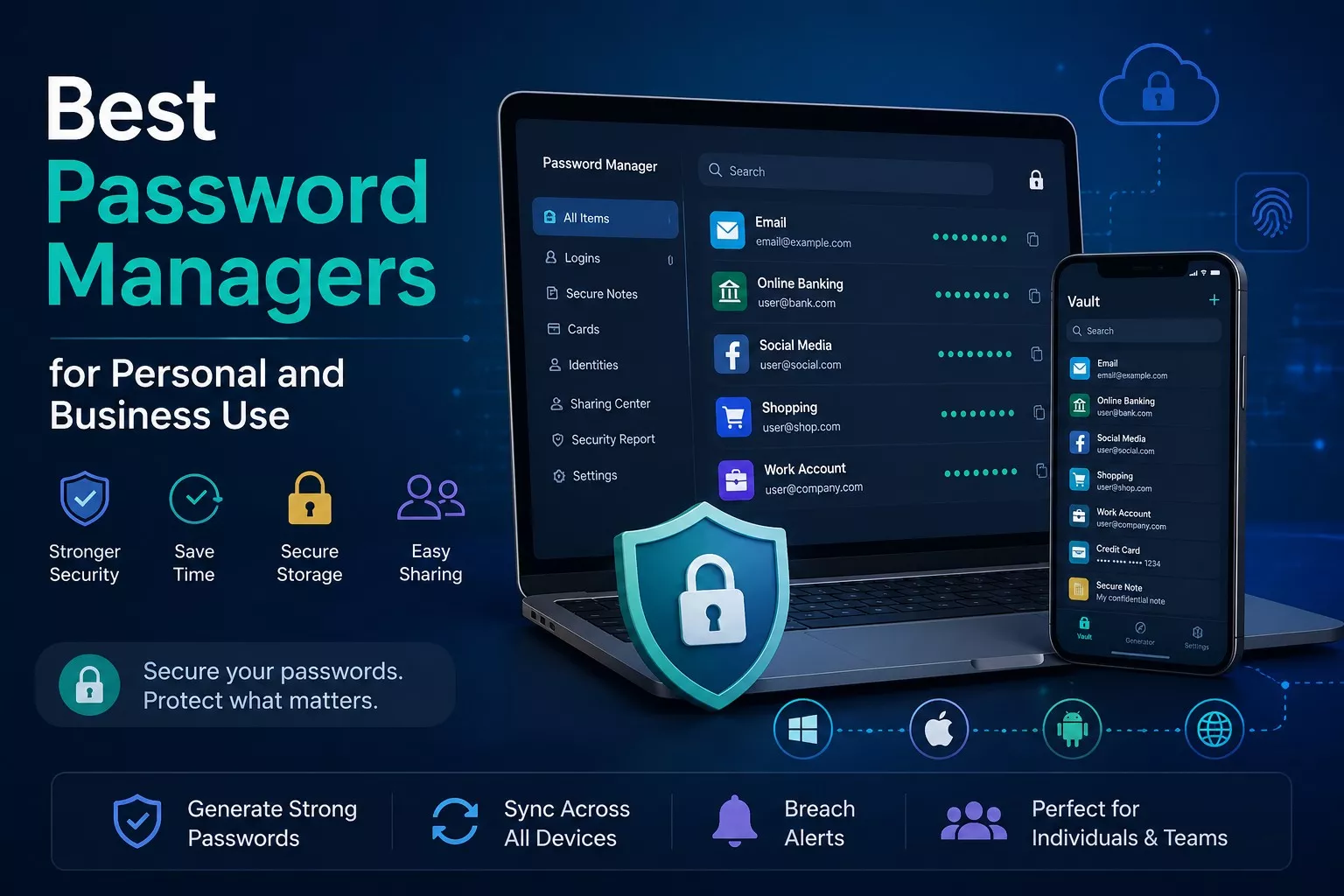
Best Password Managers for Personal and Business Use
In today’s digital world, almost everyone has dozens or even hundreds of online accounts. From email and banking to social media, shopping websites, and business platforms, every account requires a strong password. Unfortunately, many people still…