

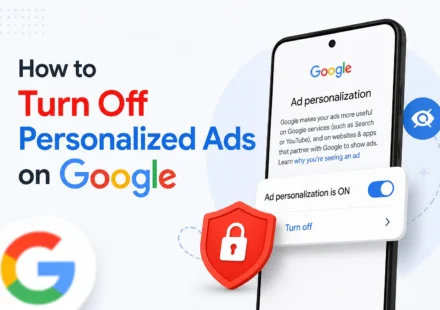
How to Turn Off Personalized Ads on Google

You’ve probably noticed it before: you talk about something, search for it once, or even just spend a little too long looking at a product online, and suddenly ads for that exact thing start following you around everywhere. That’s…
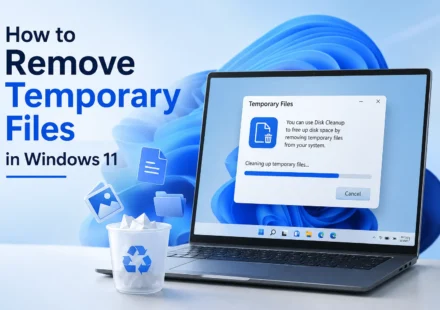
How to Remove Temporary Files in Windows 11
Every time you install a program, update Windows, browse the web, or even just use your PC normally, small temporary files quietly pile up in the background. Individually they’re nothing to worry about, but over months or years, they can add up to…
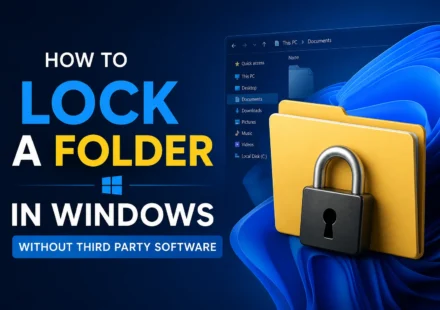
How to Lock a Folder in Windows Without Third Party Software
Windows doesn’t have a simple right click “Lock This Folder” option the way you might expect, which surprises a lot of people the first time they go looking for one. That doesn’t mean you’re out of luck, though. There are a…
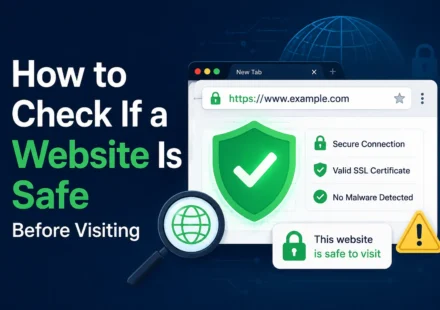
How to Check If a Website Is Safe Before Visiting
You click a link from a text message, a search result, or a random ad, and something about it feels off before you even land on the page. Maybe the URL looks slightly wrong, or you just have that nagging feeling you get right before entering your email…
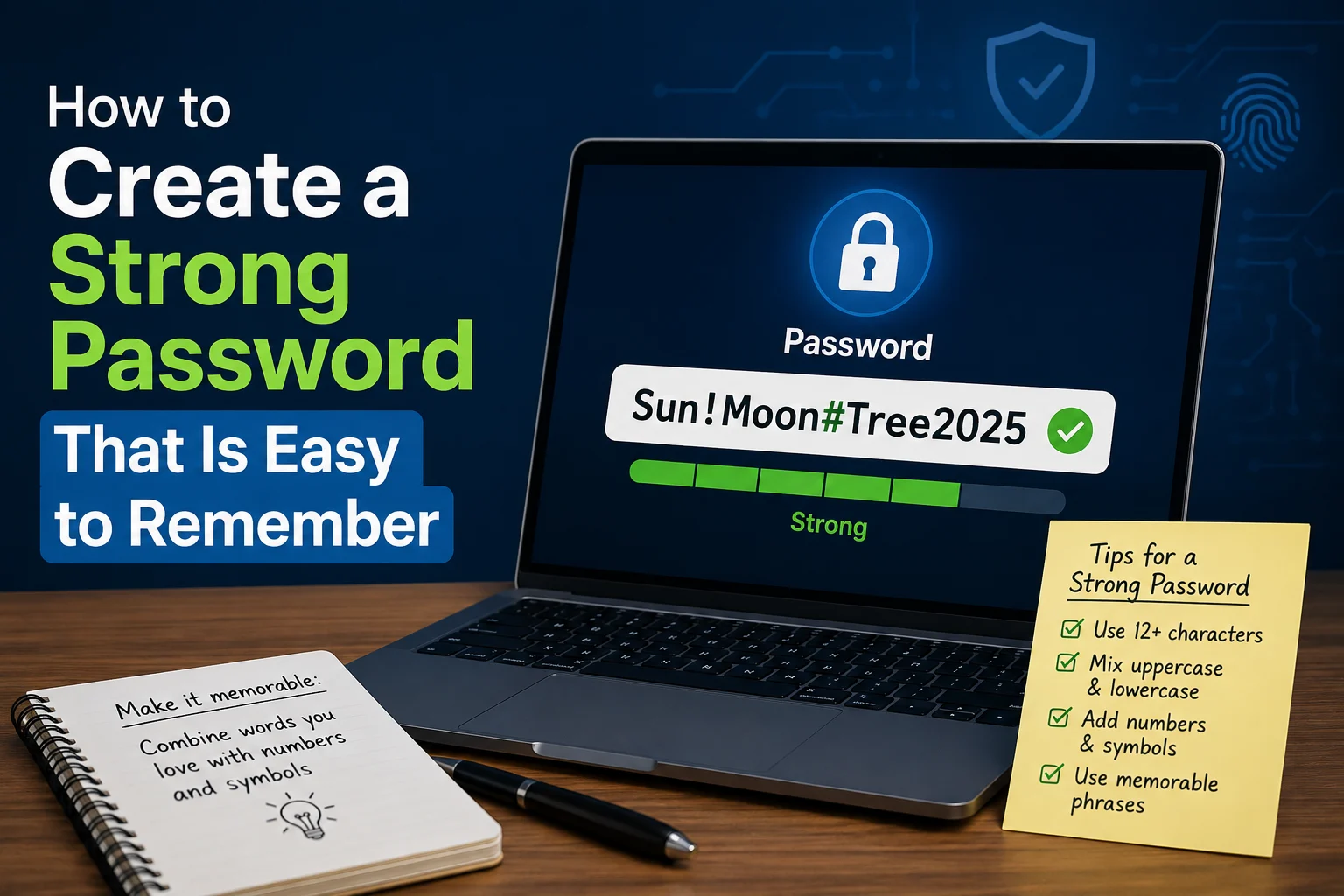
How to Create a Strong Password That Is Easy to Remember
Most people end up choosing between two bad options when it comes to passwords: something easy to remember but weak enough that it could be guessed or cracked in seconds, or something technically strong but so random you end up locked out of your own…
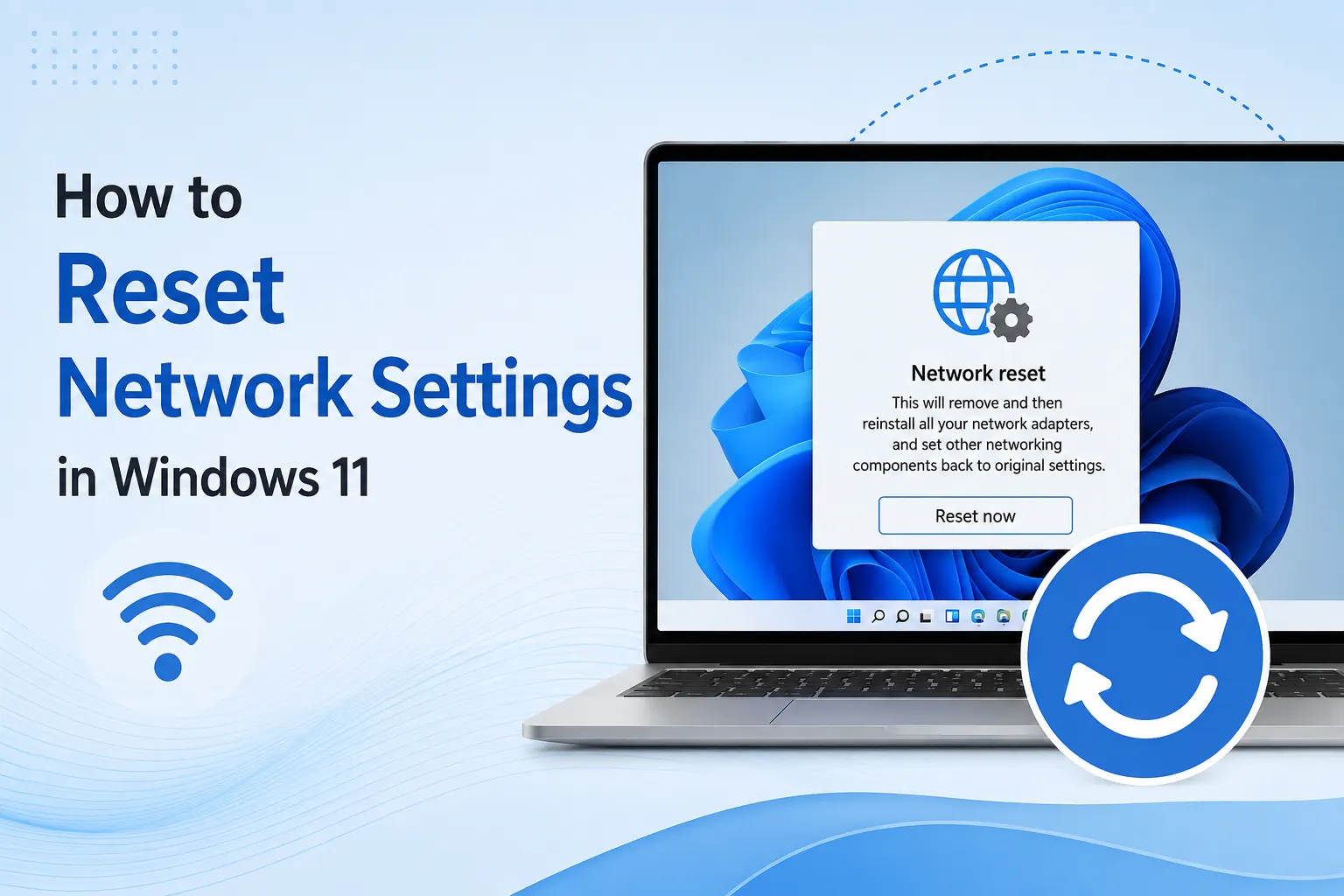
How to Reset Network Settings in Windows 11
When your internet connection has been acting up for a while, dropping randomly, refusing to connect to certain networks, or just behaving strangely in ways that don’t match any obvious cause, sometimes the most effective fix isn’t chasing…
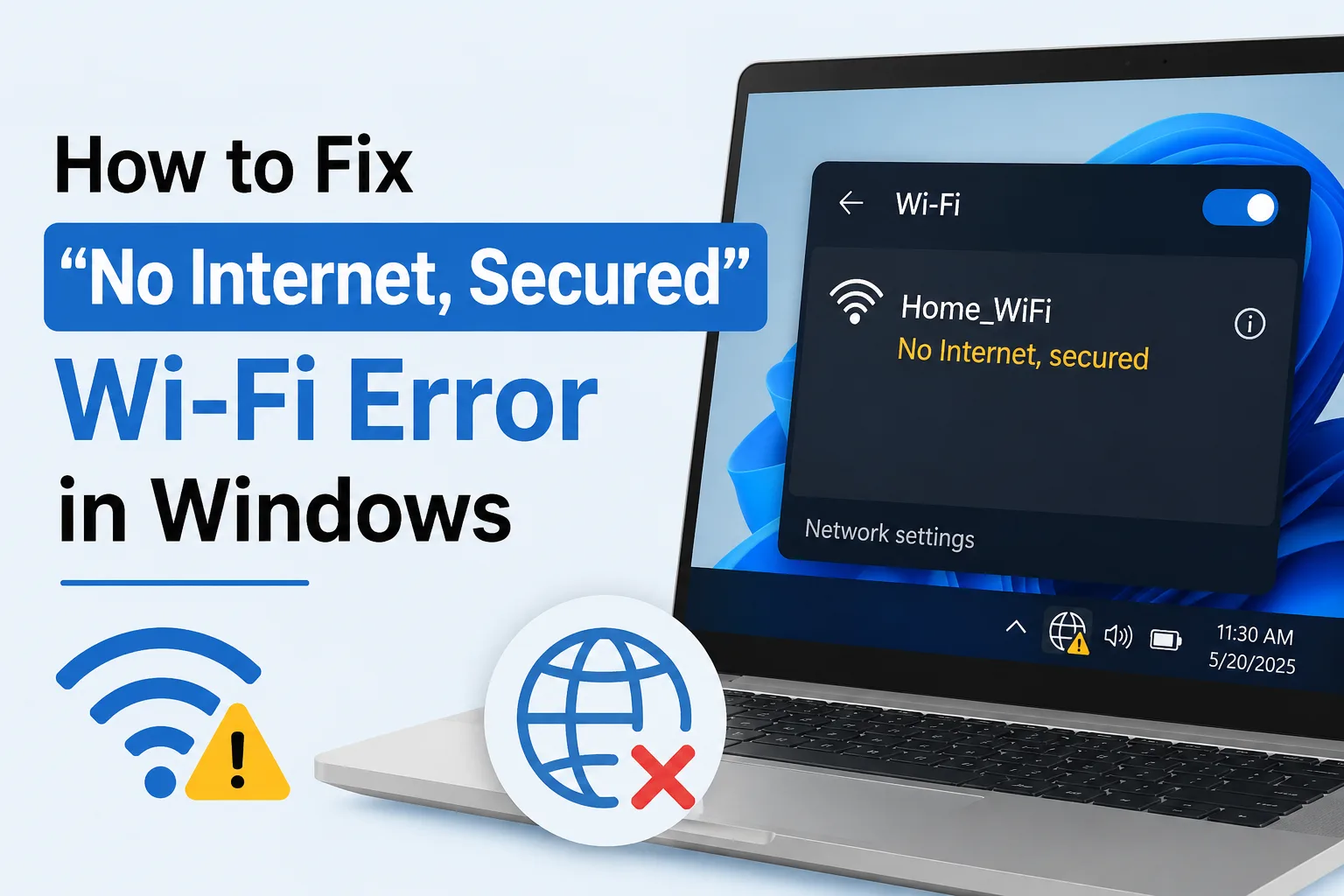
How to Fix “No Internet Secured” Wi-Fi Error in Windows
This is one of the more confusing Wi-Fi errors Windows throws at you, mainly because it doesn’t really tell you what’s wrong. Your PC shows you’re connected to Wi-Fi, the little lock icon confirms it’s a secured network, but then…
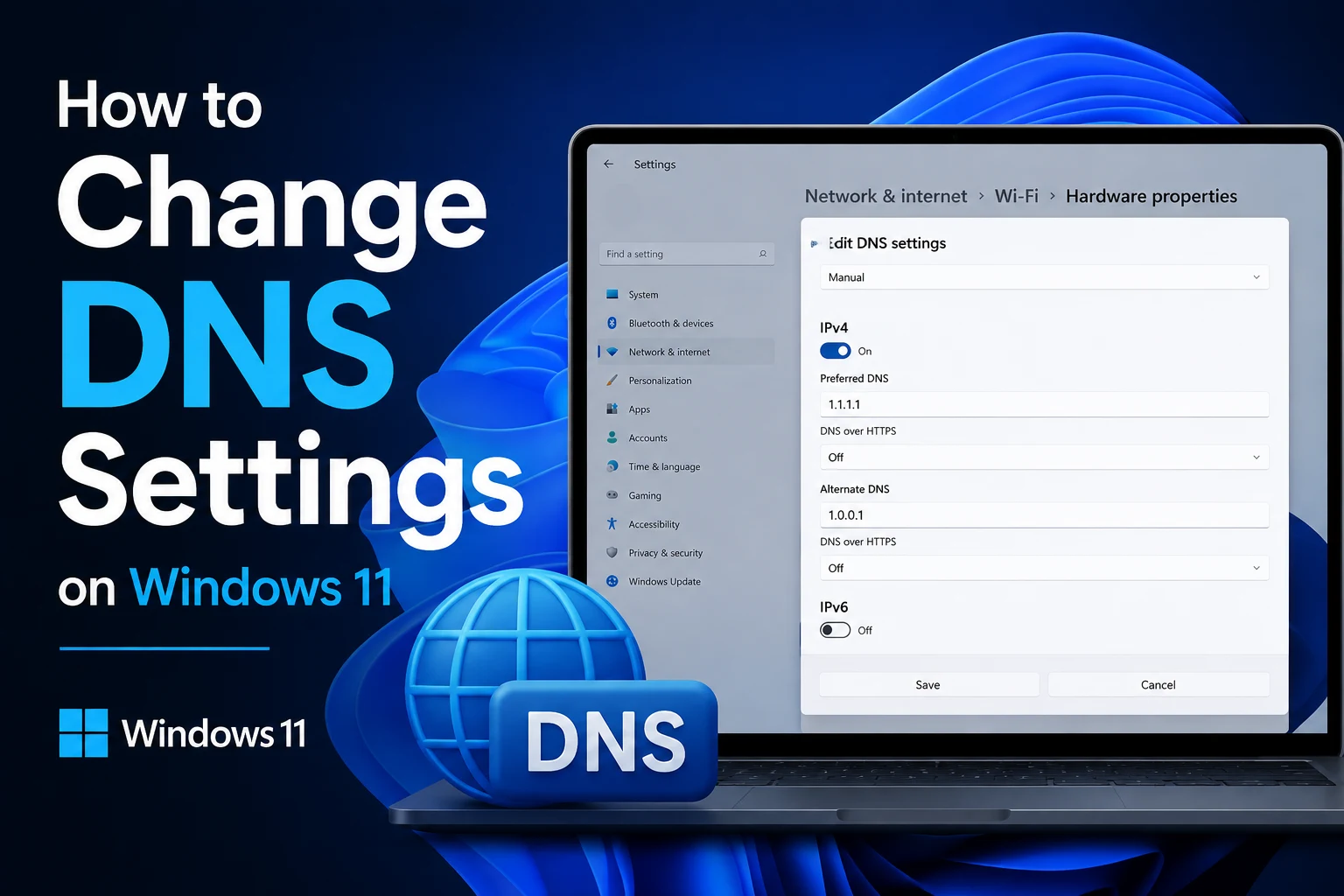
How to Change DNS Settings on Windows 11
If websites take longer to load than they should, certain sites won’t load at all, or you’ve heard that switching your DNS can speed things up and add a bit of privacy, changing your DNS settings on Windows 11 is a lot simpler than it sounds.…
How to Stop Microsoft Edge from Opening Automatically
If Microsoft Edge keeps popping up on its own, whether it’s right when you turn on your PC, after a Windows update, or randomly throughout the day, you’re dealing with one of the more common annoyances Windows users run into. It’s not…

How to Find Duplicate Files on Windows Without Paid Software
If you’ve been using the same computer for a few years, there’s a good chance you’re sitting on hundreds, maybe thousands, of duplicate files without realizing it. Photos saved in two different folders after a backup, documents…