






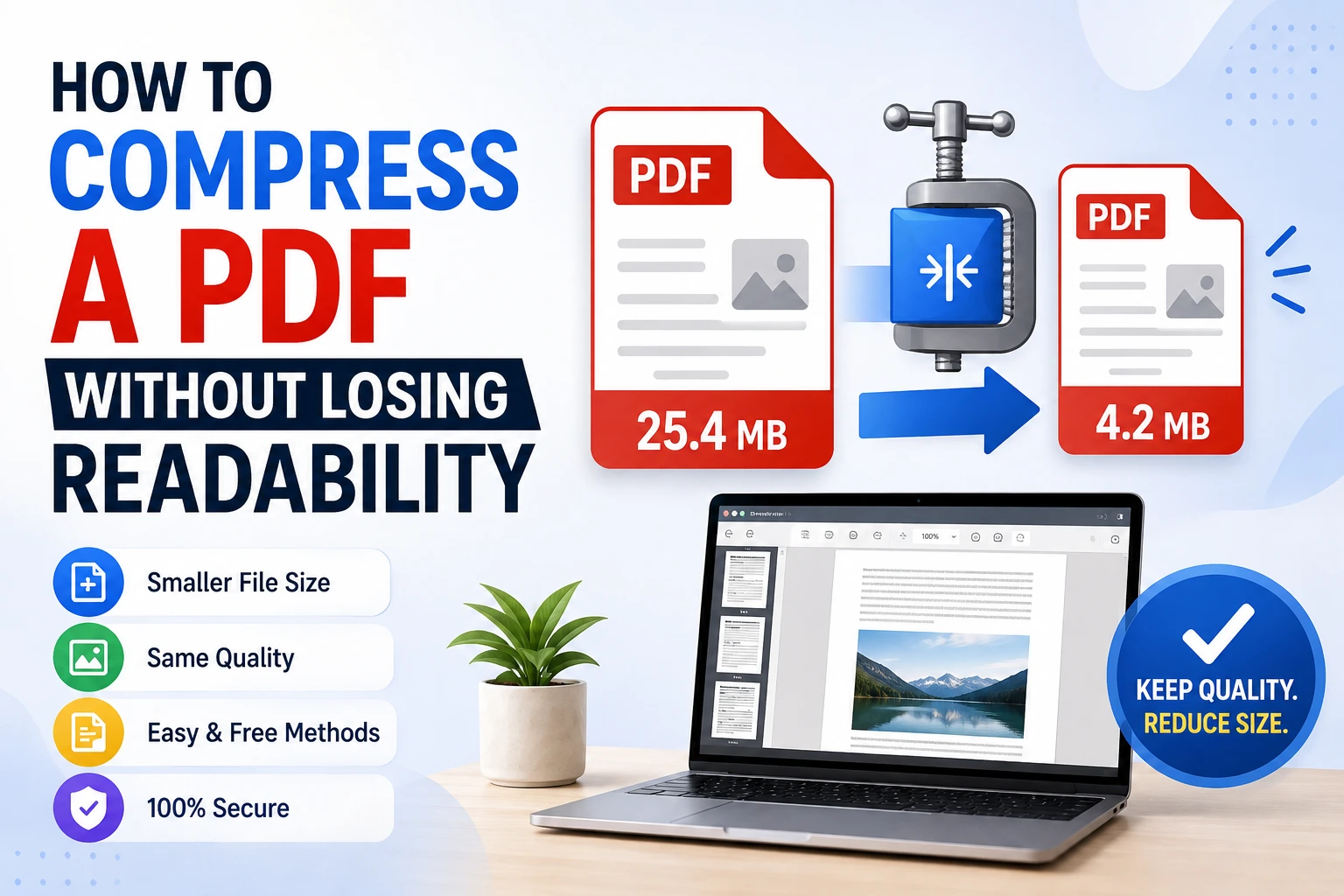

How to Compress a PDF Without Losing Readability
There’s nothing more frustrating than compressing a PDF to get past an email attachment limit, only to open it later and find the text is blurry or the images look like they went through a photocopier three times. The good news is that with the…
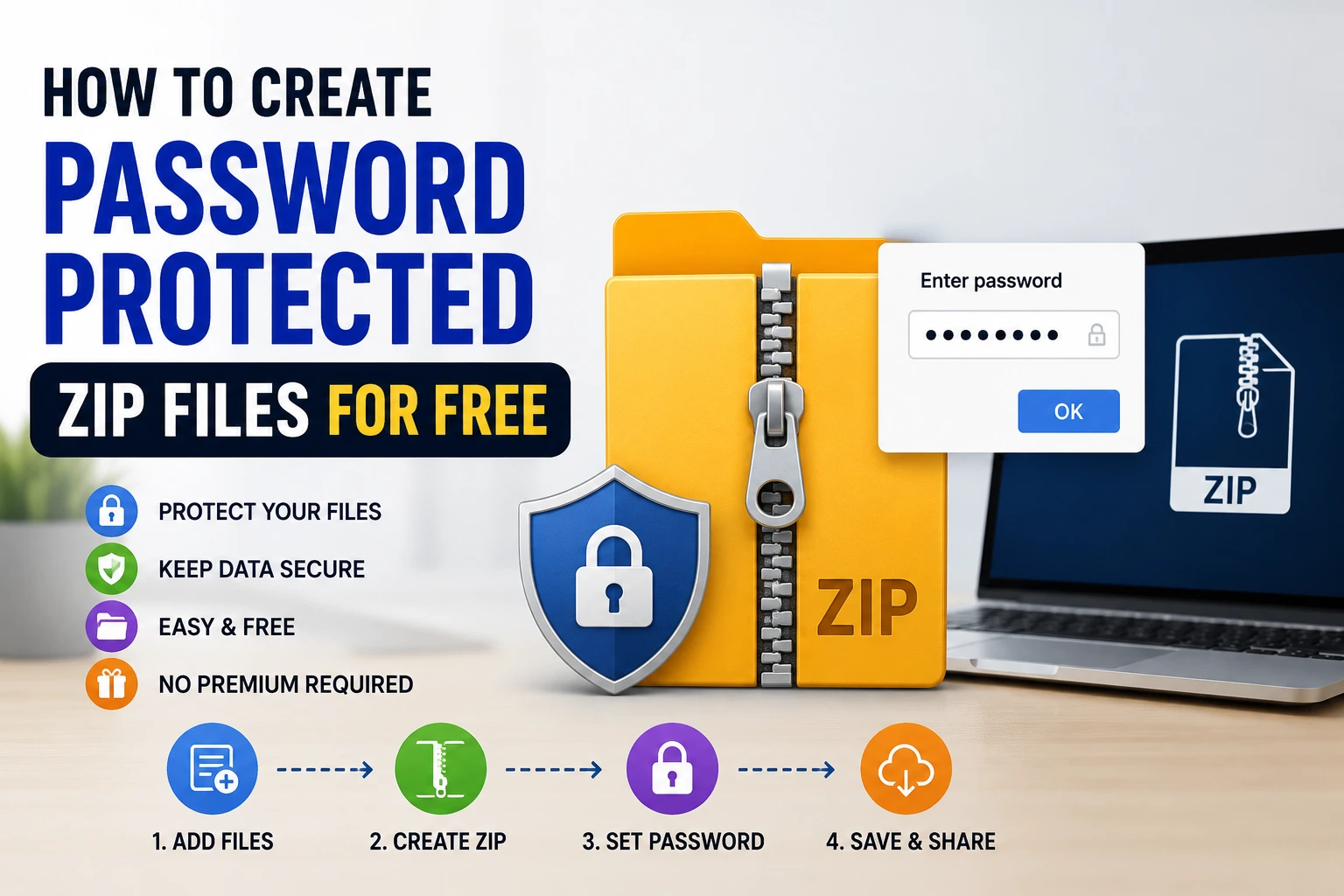
How to Create Password Protected ZIP Files for Free
Whether you’re sending tax documents to your accountant, sharing sensitive work files, or just backing up something you’d rather keep private, putting a password on a ZIP file is one of the simplest ways to add a layer of protection before…
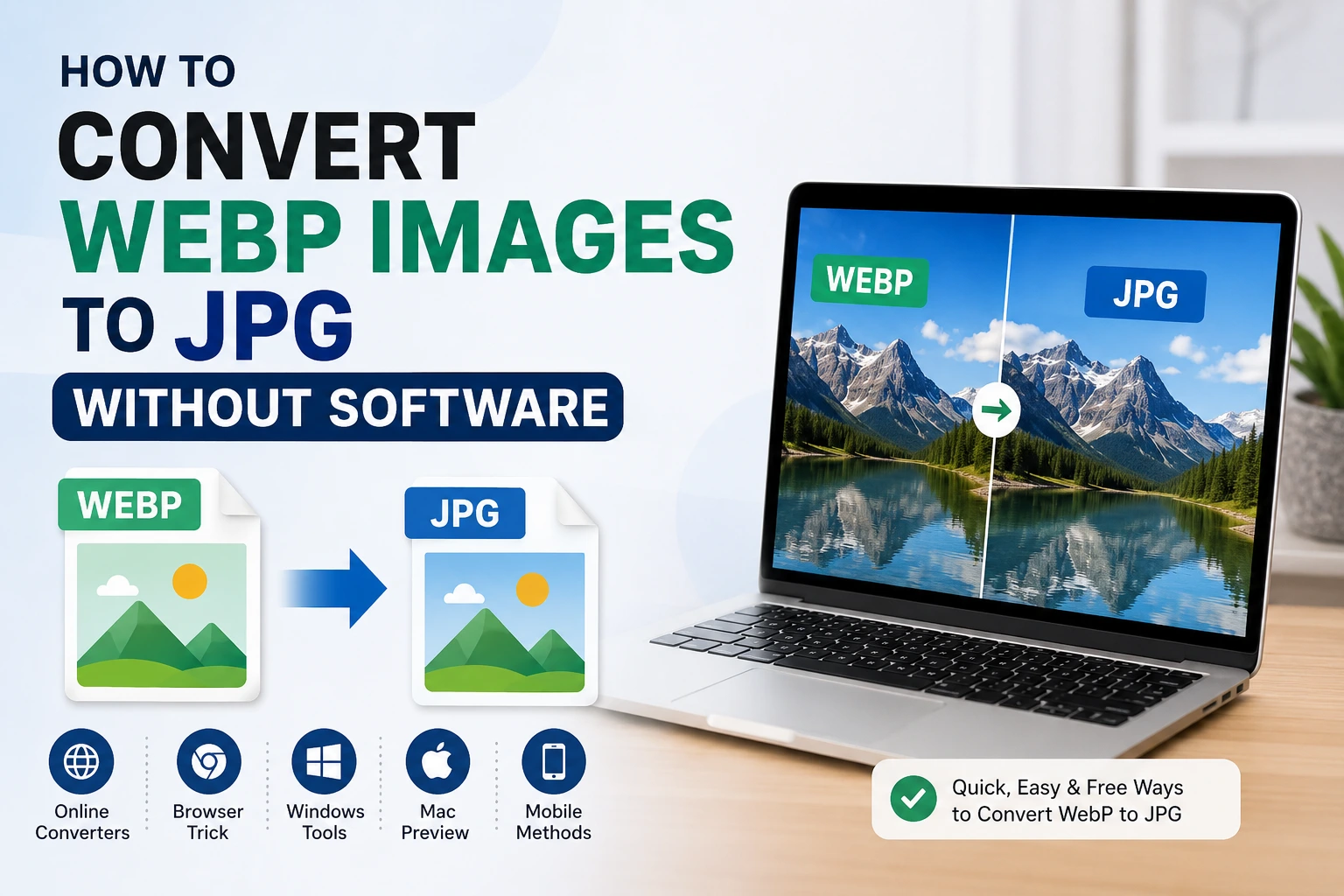
How to Convert WebP Images to JPG Without Software
If you’ve ever tried to save an image from a website and ended up with a file ending in .webp instead of .jpg, you already know the headache that follows. WebP is a great format for websites since it loads faster and takes up less space, but a lot…
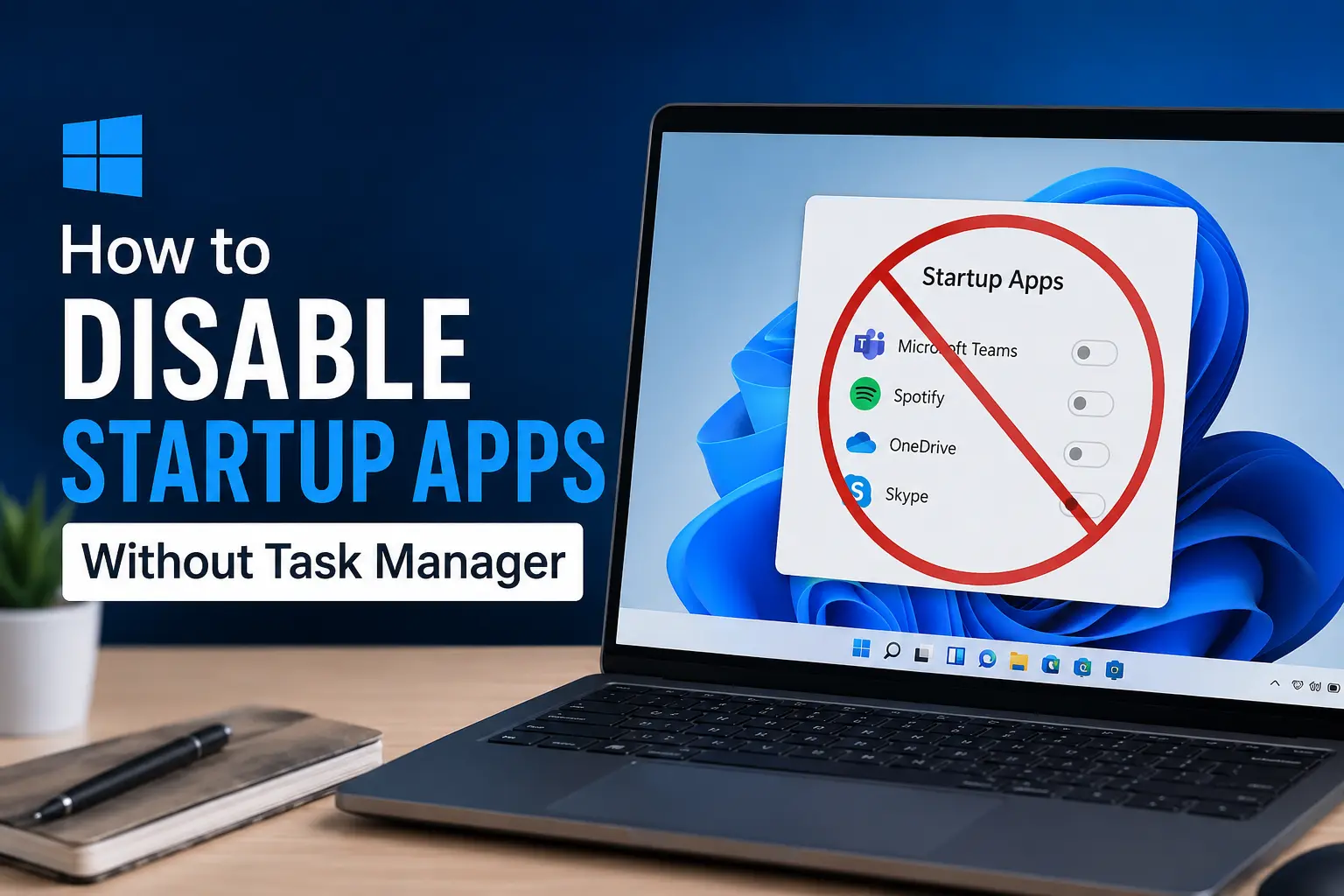
How to Disable Startup Apps Without Task Manager
Most people know Task Manager is the go to place for managing startup apps in Windows, but it’s not the only option, and honestly, it’s not always the most convenient one either. Maybe Task Manager feels like overkill for a quick change,…
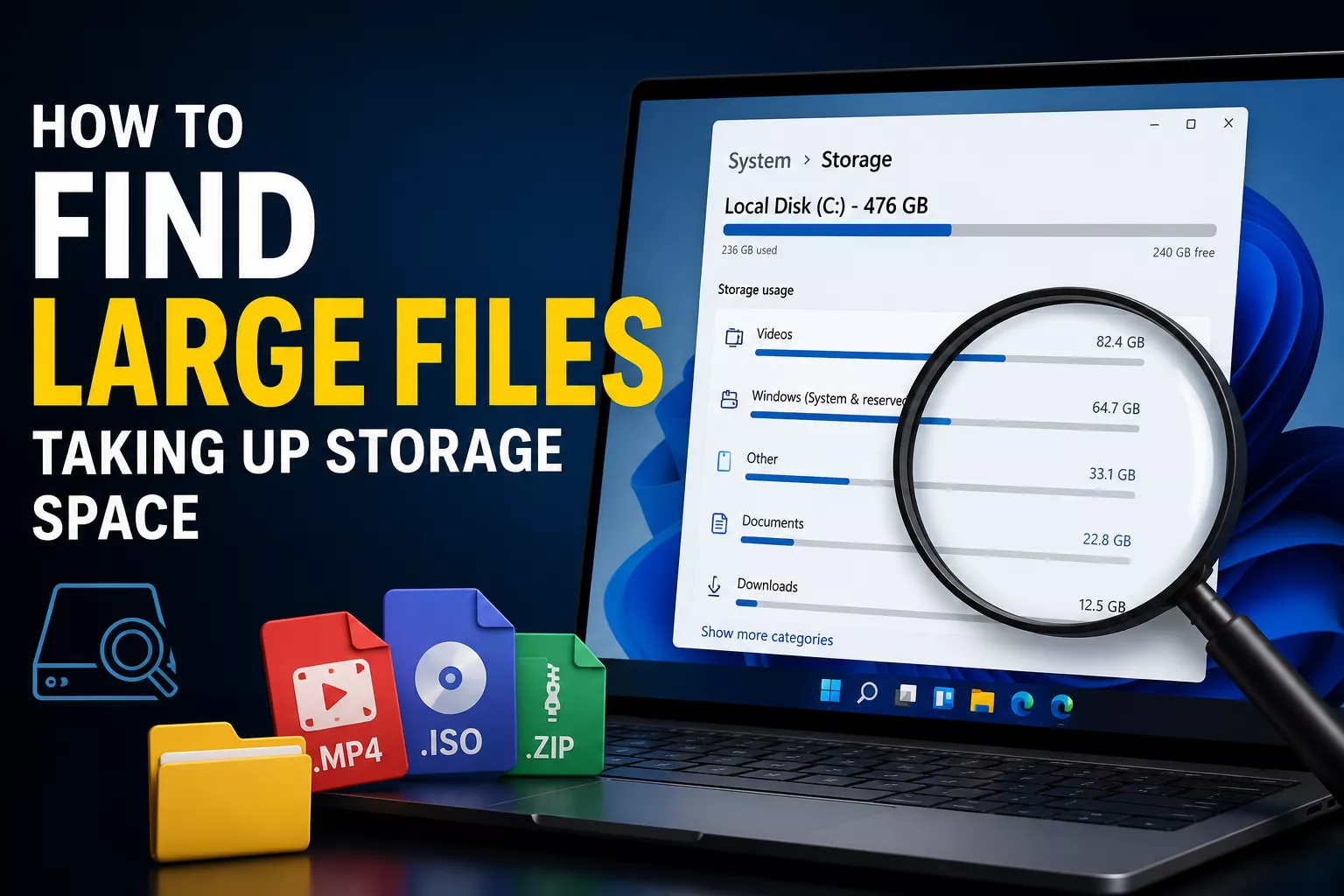
How to Find Large Files Taking Up Storage Space
You know the feeling, you get a “storage almost full” warning, delete a few obvious things, and somehow you’re still out of space a week later. That’s usually because the real space hogs aren’t your Downloads folder or old…

Best Password Managers for Personal and Business Use
In today’s digital world, almost everyone has dozens or even hundreds of online accounts. From email and banking to social media, shopping websites, and business platforms, every account requires a strong password. Unfortunately, many people still…

How to View Saved Wi-Fi Passwords on Windows 11
Ever needed to share your Wi-Fi password with a guest, only to realize you forgot it yourself? It happens to almost everyone. Your laptop remembers the password and connects automatically every time, but the actual characters are hidden away somewhere in…

How to Scan QR Codes Without Installing an App
A few years ago, scanning a QR code meant digging through the app store, downloading some sketchy looking “QR Scanner Pro” app, and hoping it didn’t come loaded with ads or, worse, spyware. Thankfully, those days are mostly behind us.…
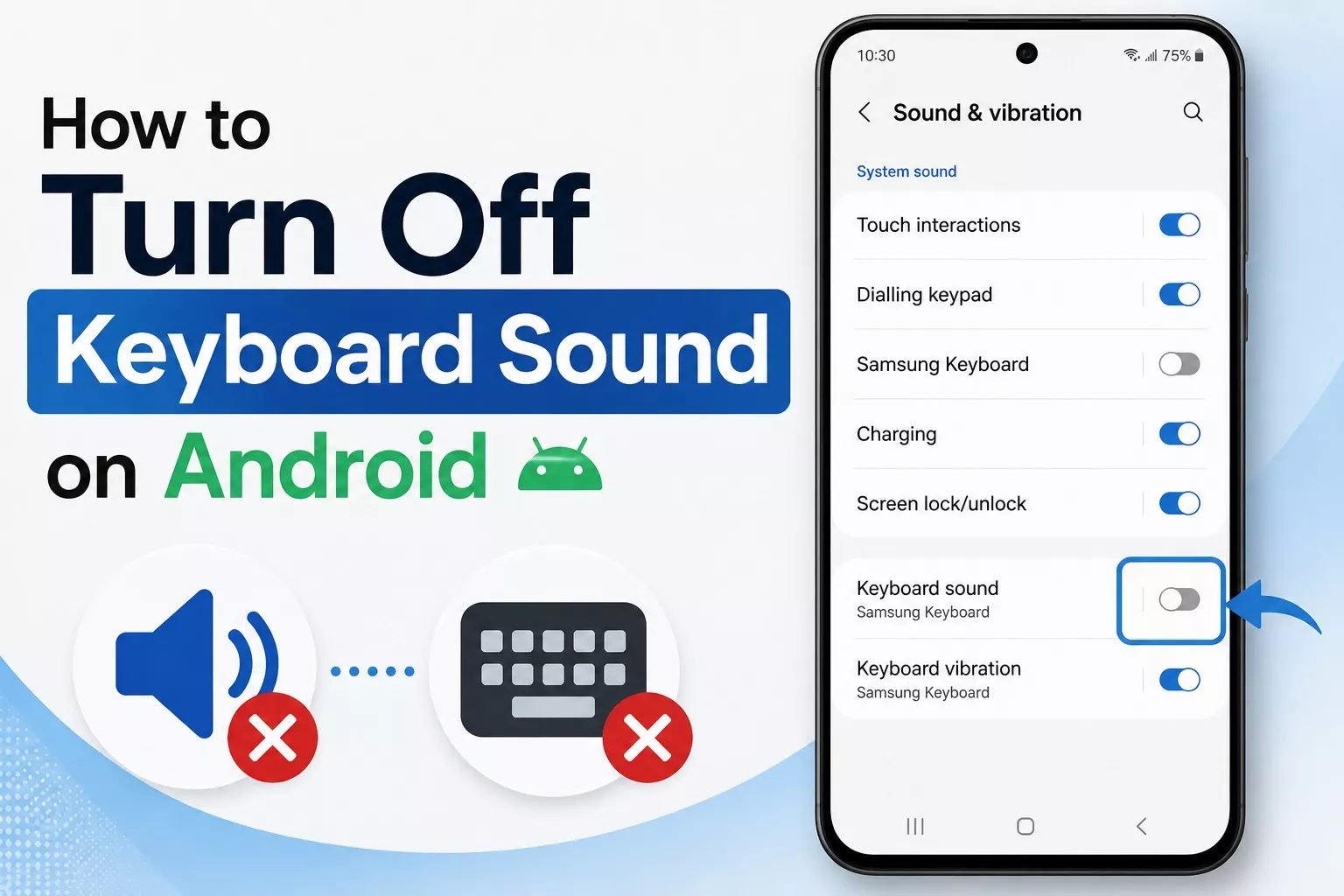
How to Turn Off Keyboard Sound on Android
That little click sound your phone makes every time you tap a letter can be handy at first, but it gets old fast especially if you’re texting in a quiet room, sitting in a meeting, or just tired of hearing it a hundred times a day. Luckily, turning…
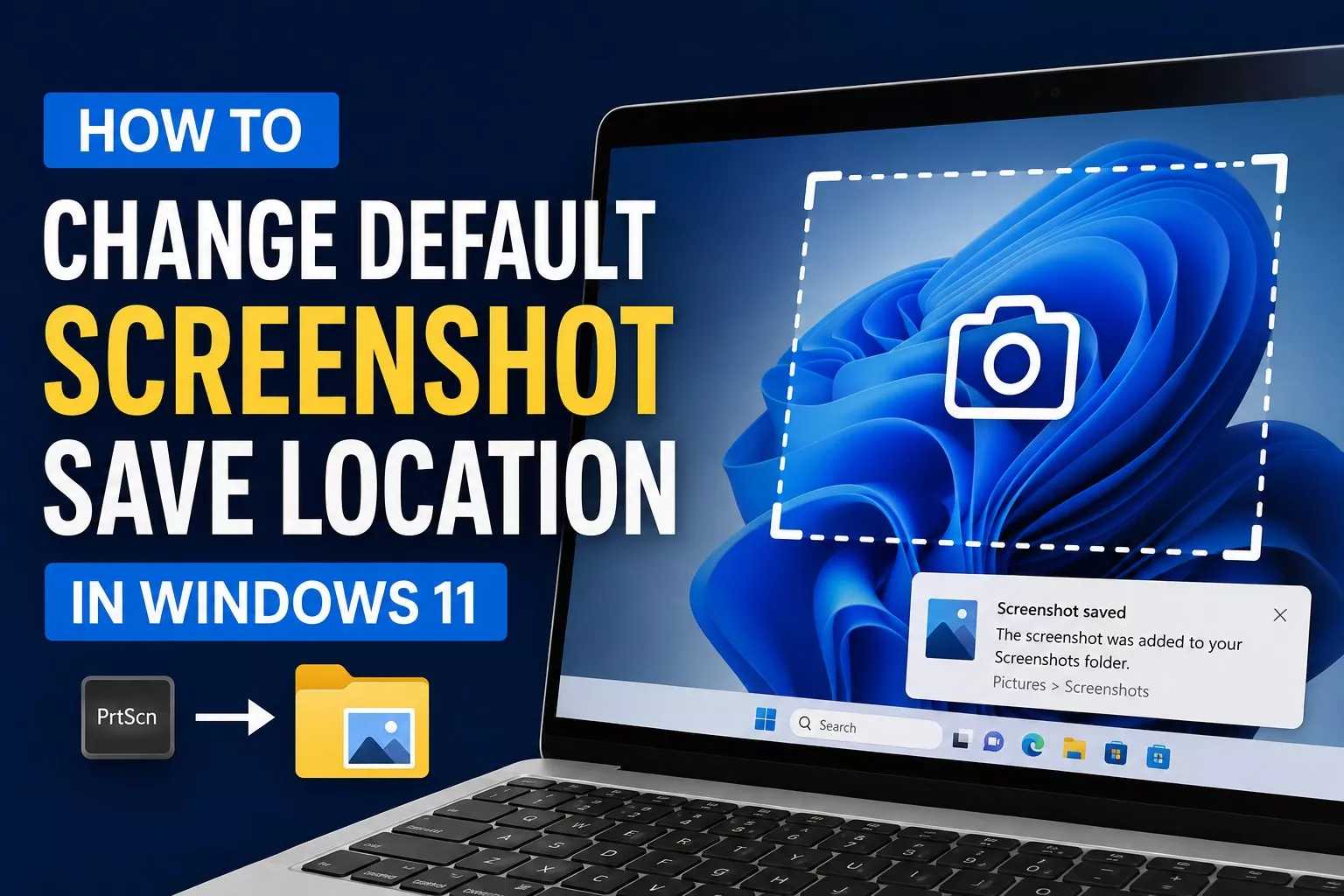
How to Change Default Screenshot Save Location in Windows 11
By default, Windows 11 dumps every screenshot you take into the Pictures > Screenshots folder. That’s fine for a while, but if you take screenshots often, that folder fills up fast, and it’s not always the most convenient place to find…